What CapCut is
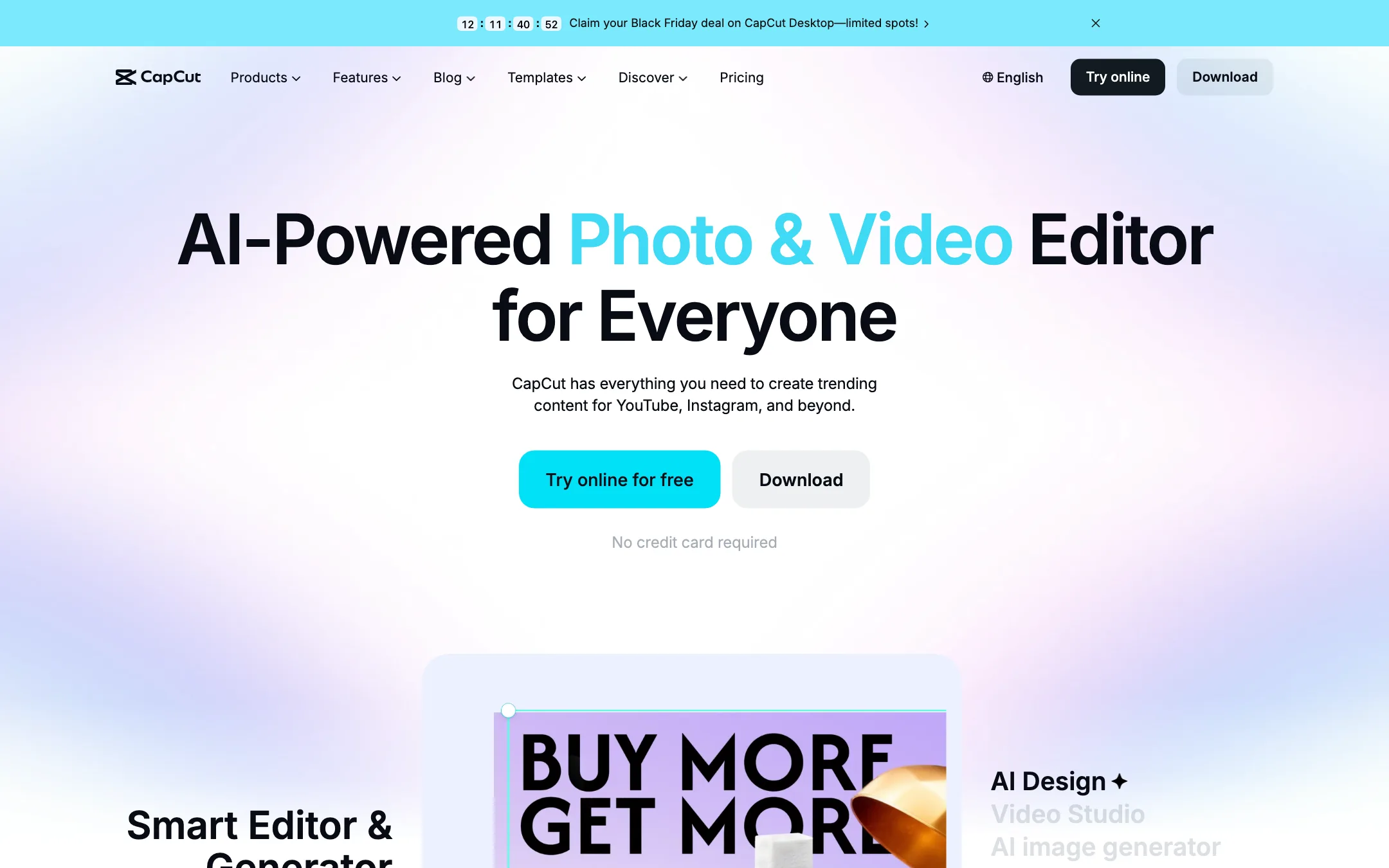
CapCut is a video editor made by ByteDance, the company behind TikTok. It started as a phone app for quick social edits. Today it runs in the browser, on Windows and Mac, on iPhone, iPad and Android, and it all syncs through one account.
It is the tool many TikTok, Reels and Shorts creators open first. The reason is simple. The free plan is a real editor, not a demo. You get a timeline, trimming, text, music, transitions and a huge template library without paying.
On top of the editor, CapCut has grown a long list of AI tools. Auto captions, text to speech, voice cleanup, background removal and image tools sit next to the timeline. The newest addition is AI video generation using ByteDance’s own Seedance models, so you can generate a clip and cut it into your edit without leaving the app.
CapCut says it has 100 million downloads, a 4.7 App Store rating and support for 20 languages. Those are its own figures, but the scale is not in doubt. It is one of the most widely used editors in the world.
Who it is for
CapCut fits you if:
- You make short-form video for TikTok, Reels or Shorts and want templates that follow current trends.
- You want auto captions without paying for a separate caption tool.
- You edit on your phone sometimes and on a laptop other times, and want the same project in both places.
- You are new to editing and want something you can learn in an afternoon.
- You want to try AI video generation inside the editor you already use.
Skip it if:
- Your workplace or school restricts ByteDance apps. Check before you build a client workflow on it.
- You need predictable, published pricing for a budget. CapCut localizes prices and shows the final number only after sign-in.
- You cut long-form films or client projects that need professional color, audio and delivery tools. A desktop editor like DaVinci Resolve, Premiere Pro or Filmora gives you more depth.
- You hate busy interfaces. CapCut has a lot of tools, and the menus show it.
How it works
You can start three ways: in the browser at capcut.com, in the desktop app, or in the mobile app. The core flow is the same in all three.
- Start a new project or pick a template.
- Drop your clips, photos and audio onto the timeline.
- Trim, split and arrange clips, then add text, stickers, effects and transitions.
- Use the AI tools you need: captions, voice cleanup, background removal or generation.
- Export at your chosen resolution, or share straight to social platforms.
Templates
Templates are CapCut’s signature feature. You pick a ready-made edit, swap in your own clips and photos, and the cuts, effects, text and music are already done. The library covers trending Reels and TikTok formats, social posts, business promos, holidays and “AI effects” templates that animate photos.
This is where CapCut wins on speed. If you follow trends, you can match a popular format in minutes. The trade-off is that templates look like everyone else’s. Use them for speed and trends, then build your own style in the timeline when it matters.
Auto captions
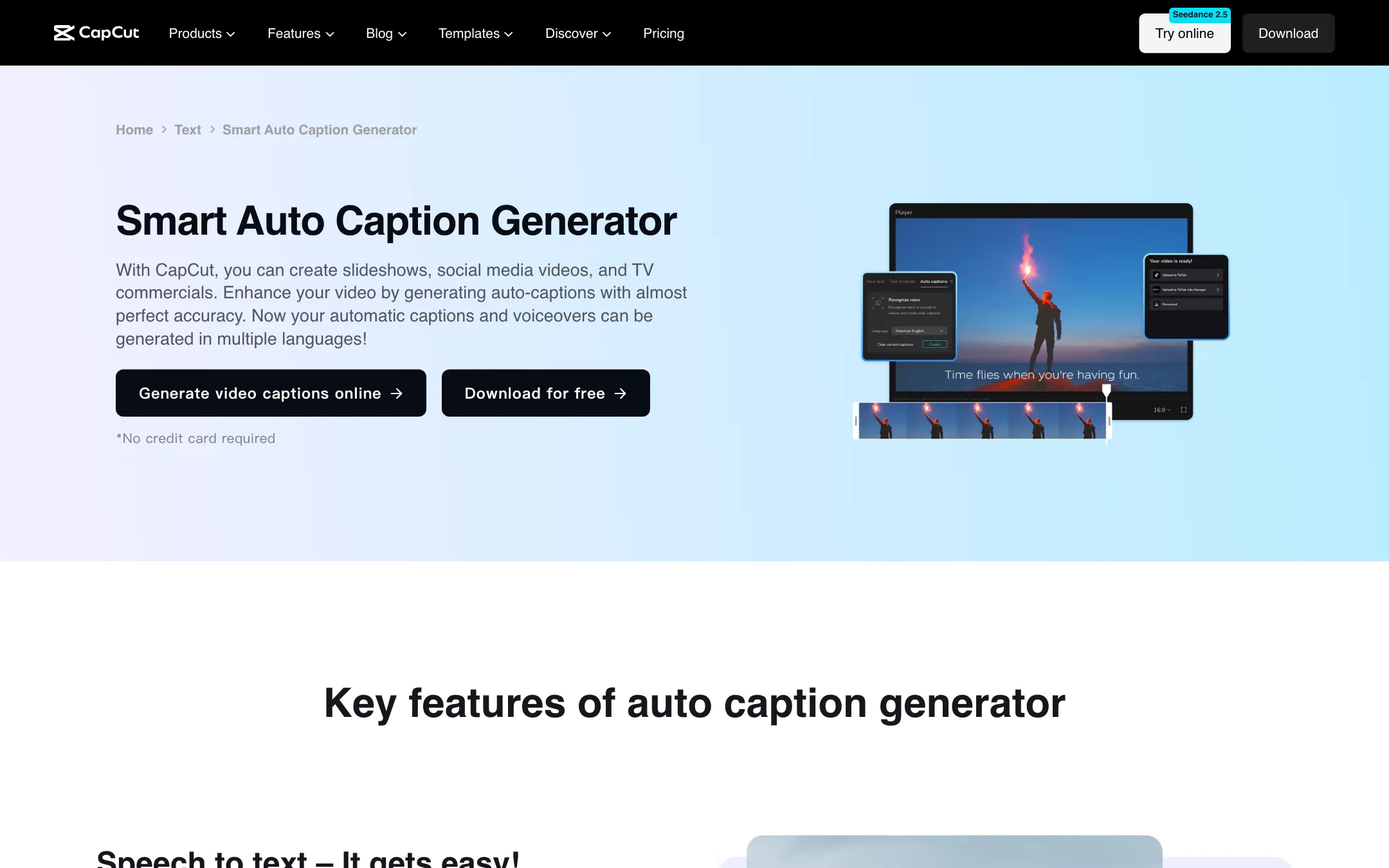
Captions are why CapCut appears in our captions list too. In the editor you go to Text, then Auto captions, and click Generate. CapCut detects the spoken language and creates timed captions on the timeline. You can then:
- Fix words, add lines or delete lines.
- Restyle the captions with fonts, colors, effects and motion.
- Apply caption templates for the animated word-by-word look common on short-form video.
- Translate the captions into another language.
- Invite teammates to review captions through shared project access.
CapCut describes its captions as having “almost perfect accuracy.” We did not test that. Every speech-to-text tool still trips on names, accents, jargon and noisy audio, and CapCut’s own FAQ tells you to review names, specialist terms and timing before you publish. Plan for a quick proofread on every video.
Audio and voice tools
CapCut bundles the audio tools short-form creators reach for most:
- Text to speech with a choice of AI voices, plus custom voices.
- Enhance voice to make speech clearer and louder.
- Reduce noise to cut background hum and static.
- Extract audio to pull the sound out of a video.
- A royalty-free music and sound effects library.
None of these replace a dedicated audio editor, but for a talking-head clip shot on a phone they cover the basics.
AI video and image generation
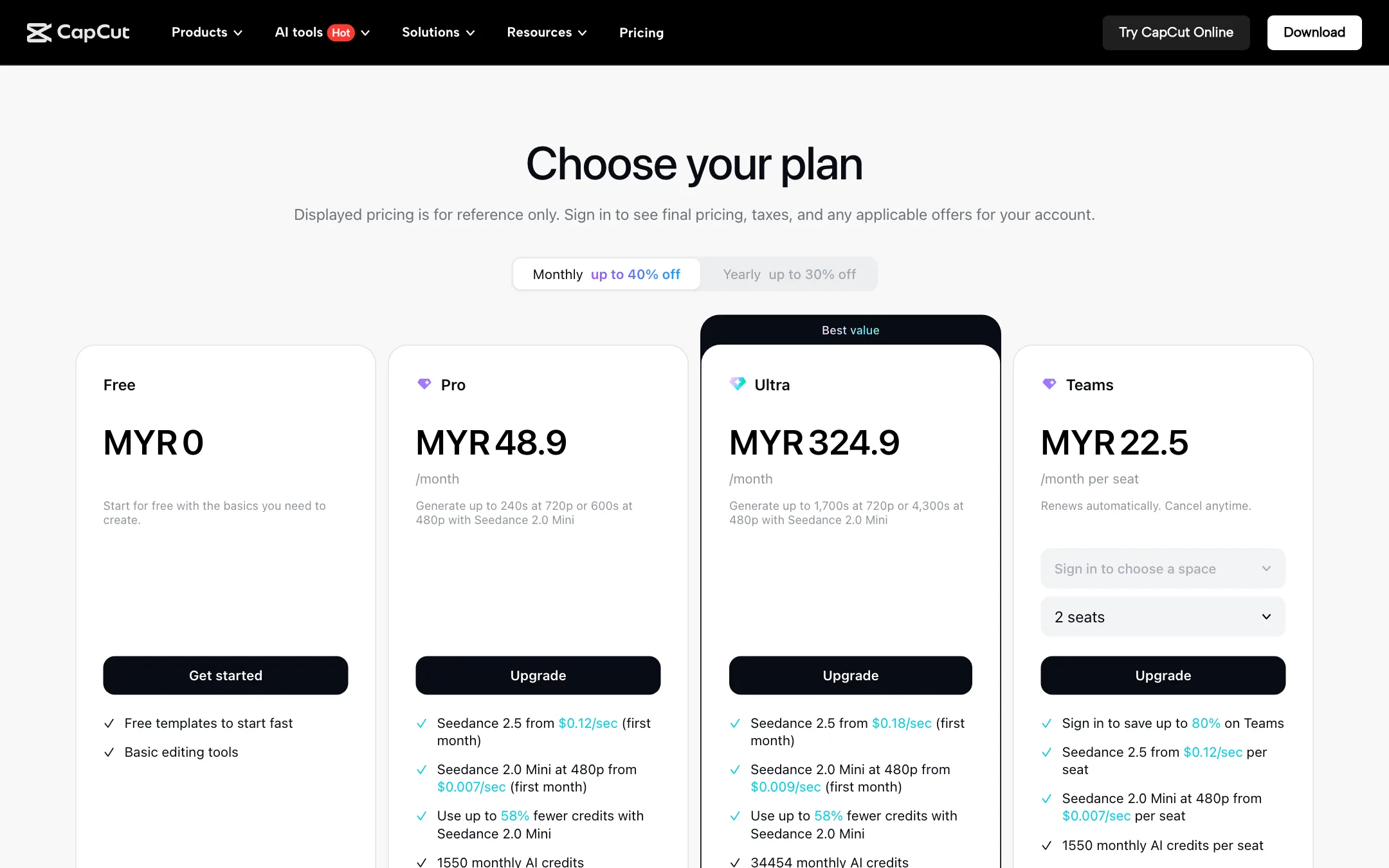
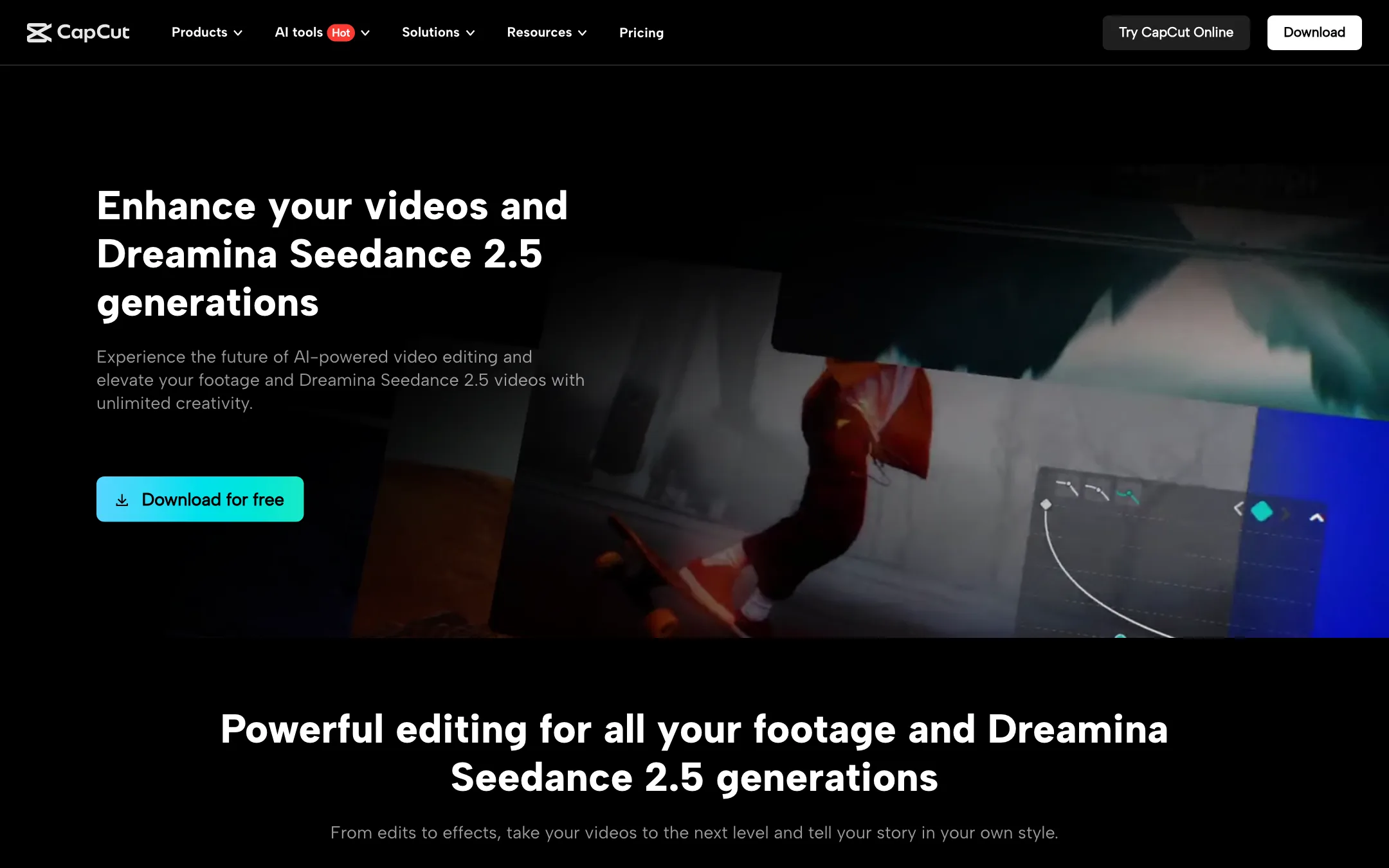
CapCut now leans hard into generation. The pricing page and desktop page both lead with Seedance, ByteDance’s video model, which also powers its Dreamina AI platform. Paid plans get monthly AI credits for generation, and you can buy more.
The pricing page quotes these first-month rates:
- Seedance 2.5 from $0.12 per second on Pro and $0.18 per second on Ultra.
- Seedance 2.0 Mini at 480p from $0.007 per second on Pro and $0.009 per second on Ultra.
It also says Pro credits stretch to about 240 seconds of 720p or 600 seconds of 480p with Seedance 2.0 Mini each month, and Ultra to about 1,700 seconds at 720p or 4,300 seconds at 480p. Those are CapCut’s own estimates. We did not test generation quality or speed.
The odd detail here is that the per-second rates are lower on Pro than on Ultra. Ultra’s value is the much larger monthly credit pool, not a cheaper rate per second.
Image tools include an AI image generator, image enhancer and upscaler, background remover, AI text remover, people remover and inpainting. CapCut’s menus also list access to third-party image models such as Nano Banana Pro and Gemini Omni, plus its own Seedream model.
Other platforms in the family
CapCut links to several sister products in its menus. Dreamina is ByteDance’s dedicated image and video generation site. Pippit is an AI creative agent aimed at marketers. Hypic is an AI photo editor. You do not need any of them to use CapCut, but you will see them cross-promoted.
Output quality
As an editor, CapCut’s output quality depends on your footage and your export settings, not on AI. The timeline, effects and export tools are mature and widely used.
Where AI is involved, keep expectations measured:
- Captions are good enough that millions of creators rely on them, but you should still proofread. CapCut itself says to review names, terms and timing.
- Voice enhance and noise reduction help with mild problems. They will not rescue a recording made in a loud room.
- Background removal works best with a clear subject and simple background. Hair, motion blur and busy scenes are hard for every tool.
- Seedance generation is ByteDance’s own model, and it is used across its products. We have not run our own tests, so compare clips against other generators before you commit credits.
Pricing
CapCut prices by region. The pricing page shows prices in your local currency and states that “displayed pricing is for reference only,” with final pricing, taxes and offers shown after you sign in. When we checked on 19 October 2026, the page showed Malaysian ringgit.
| Plan | Price we saw | What you get |
|---|---|---|
| Free | MYR 0 | Free templates, basic editing tools |
| Pro | MYR 48.9/mo or MYR 314.9/yr | 1,550 AI credits a month, premium templates and Pro features, 1 TB storage |
| Ultra | MYR 324.9/mo or MYR 3,699/yr | 34,454 AI credits a month, everything in Pro plus exclusive AI features |
| Teams | From MYR 22.5 per seat/mo | 1,550 AI credits per seat, Pro features for all seats, brand kit |
The page advertises up to 40% off on monthly billing and up to 30% off on yearly billing, which suggests the prices we saw were promotional. It also says Teams buyers can save up to 80% after signing in.
We could not see US dollar prices from our location. Several third-party pricing guides report CapCut Pro at around $19.99 a month in the US. Treat that as a ballpark until you see the price on your own account.
A few things to know before you pay:
- The free plan is genuinely useful. Many creators never upgrade. Try your normal workflow on Free first.
- AI features run on credits. The monthly credit allowance covers generation and other AI tools. Heavy generators will burn through Pro credits quickly.
- Prices change often. CapCut runs frequent promotions. The homepage was showing a Black Friday countdown for CapCut Desktop when we checked.
- App store prices can differ. If you subscribe through Apple or Google, the price and billing terms follow that store.
Verdict
CapCut is the easiest recommendation in this category for social creators. The free plan is a real editor, captions and templates are built in, and it works on every device you own. Adding Seedance generation inside the editor makes it a one-stop shop for short-form work.
The weak points are pricing you cannot see until you sign in, a credit system for AI features, and ByteDance ownership, which rules it out for some teams. If you need deeper desktop editing, look at Wondershare Filmora. If you mainly edit on an iPhone and want a cleaner, layer-based app, Videoleap is worth a look.