Best AI Video Dubbing and Voiceover Tools
Tools that translate, dub and voice video in other languages, ranked by real demand and reviewed in depth.
3 tools ranked · last checked 2026-10-19
Some links on this page are affiliate links. If you buy through them we may earn a commission at no extra cost to you. It never changes how we rank tools. Read our disclosure.
Quick comparison
| VideoDubber | DupDub | Listnr | |
|---|---|---|---|
| Starting price | From $9/mo | From $11/mo | From $15.83/mo |
| Free tier | |||
| Pricing | 5 free minutes, no card. Paid plans from $9/mo for 25 translation minutes. | 3-day free trial with a few credits, no card. Paid plans from $11/mo billed yearly ($15 monthly), or one-off credit packs from $68. | Free plan with 1,000 starter credits, no card. Paid plans from $19/mo, or $190/yr on yearly billing. |
| Platforms | Web, API | Web, iOS, Android, API | Web, API |
| Best for | YouTubers, course creators and small teams who want to translate a back catalog into several languages without paying premium per-minute dubbing rates. | Solo creators and small marketing teams who want voiceovers, video translation and talking-photo avatars in one subscription instead of three. | YouTubers, course makers and marketers who need clean AI narration for videos and would rather type a script than record one. |
| Last checked | 2026-10-19 | 2026-10-19 | 2026-10-19 |
Jump to
Dubbing tools let one video speak many languages. You upload a video, choose target languages, and the tool returns a translated voice track, often in a clone of the original speaker’s voice. Voiceover tools do the simpler job of turning a script into natural speech.
We list both here. Dubbing-first tools like VideoDubber handle translation, voice cloning and lip sync from an existing video. Voice studios like Listnr and DupDub center on text-to-speech and voice cloning, with video translation as one feature among several.
How to choose
- You want to translate existing videos: pick a dubbing-first tool and check which plans include lip sync and voice cloning.
- You write scripts and need a voiceover: a text-to-speech studio gives you more voices and finer control for less money.
- You publish a lot: do the credit math. Dubbing is usually priced per minute of video, and the cheapest plans cover only a few minutes a month.
- Quality matters: test your own footage in your target language before you commit to a yearly plan.
The ranking
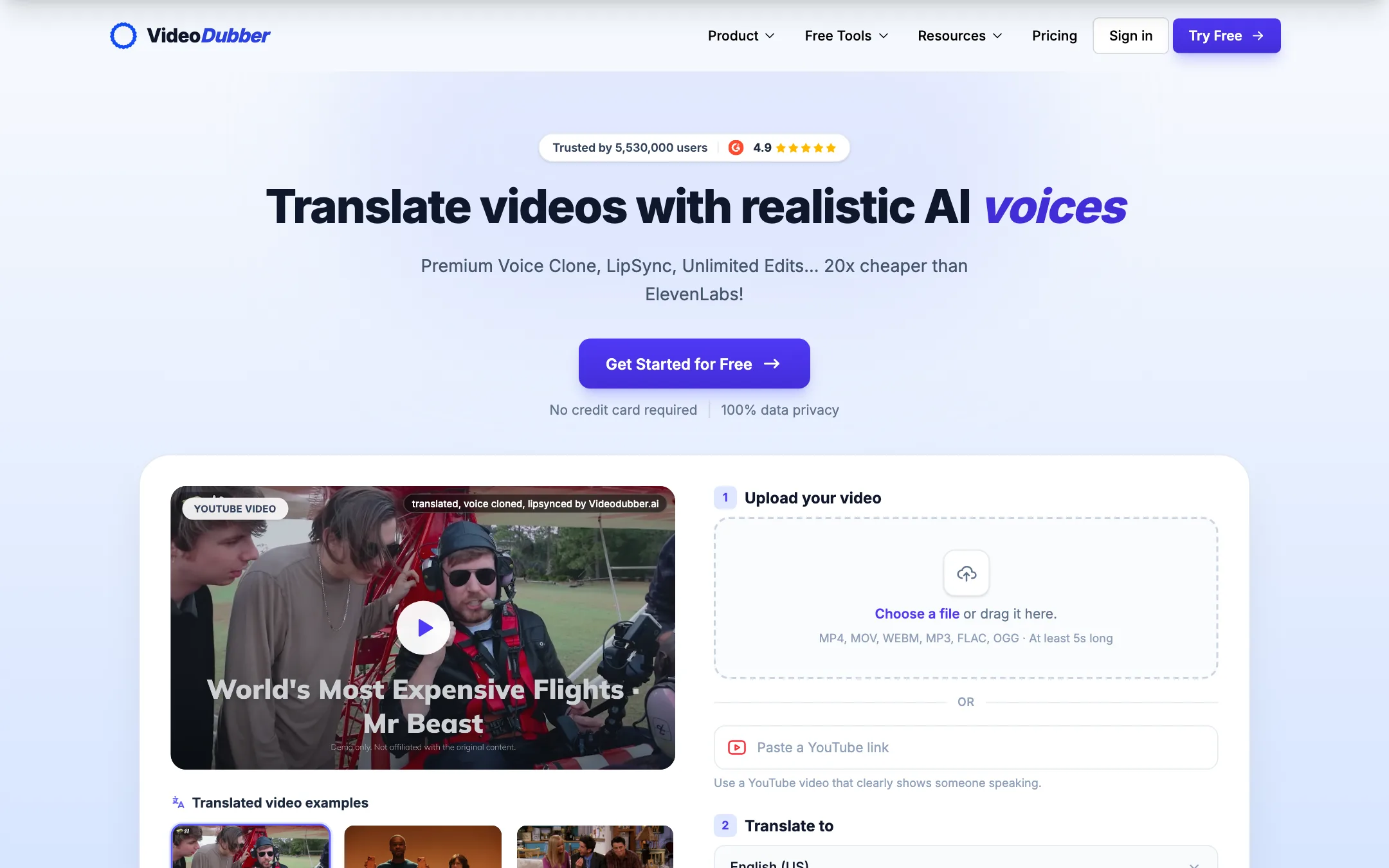
A low-cost AI video translator that dubs with voice cloning and lip sync, or just translates your subtitles, in 150+ languages
From $9/moFree tierWebAPIBest for: YouTubers, course creators and small teams who want to translate a back catalog into several languages without paying premium per-minute dubbing rates.
Verdict: One of the cheapest ways to get AI dubbing with voice cloning, plus subtitles and transcripts from the same upload. Lip sync starts on the $49 Growth plan, the prices on show are a time-limited offer, and the quality claims are the vendor's, so use the free minutes on a real clip first.
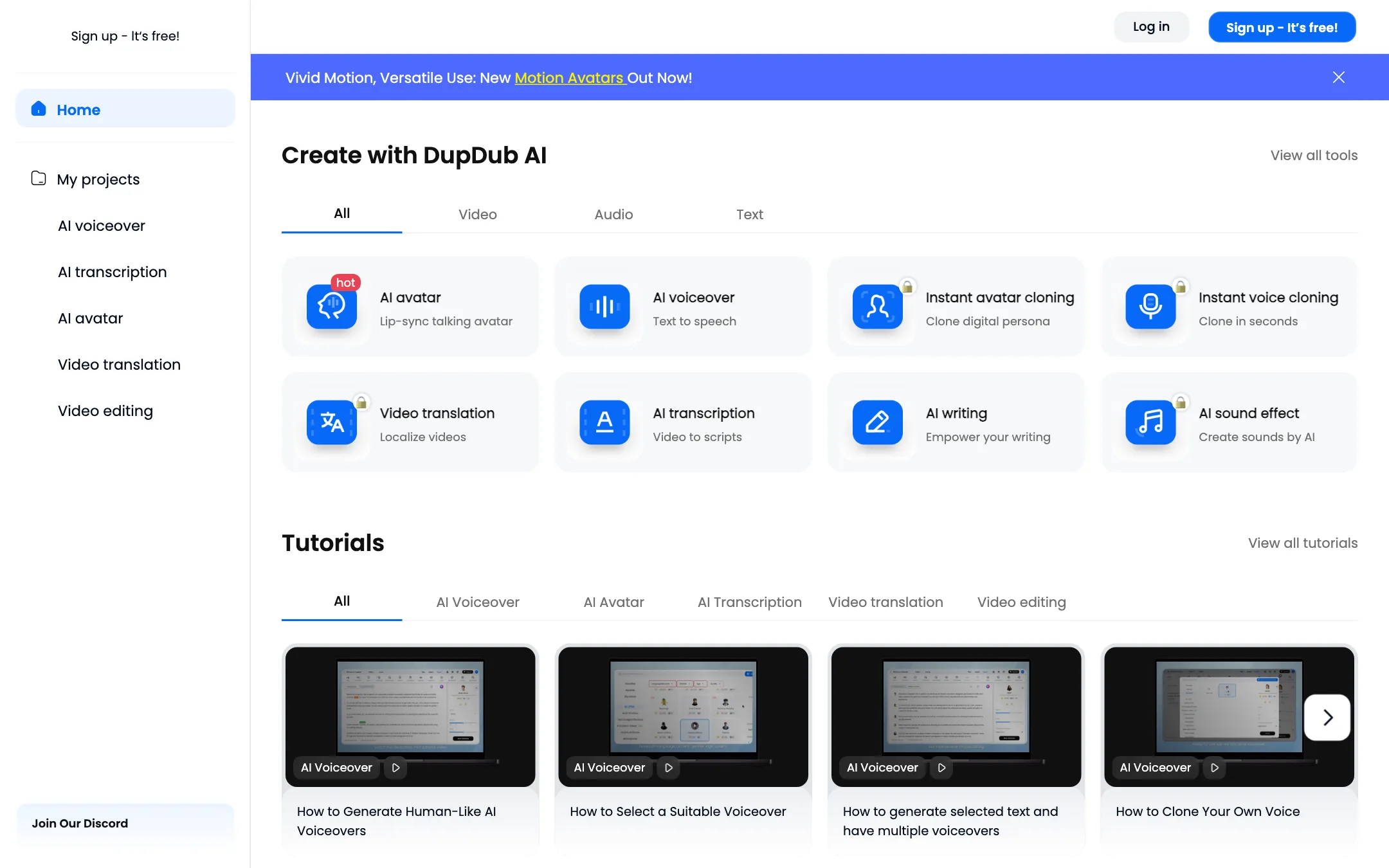
2.DupDub
An all-in-one AI content suite with voiceovers, video translation and dubbing, talking photo avatars and transcription on one credit balance
From $11/moFree tierWebiOSAndroidAPIBest for: Solo creators and small marketing teams who want voiceovers, video translation and talking-photo avatars in one subscription instead of three.
Verdict: A broad, reasonably priced toolkit where one credit balance covers voiceovers, dubbing, avatars and transcription. Video translation burns credits fast, the free trial is tiny, and the dubbing claims are the vendor's, so test with a real clip before you commit.
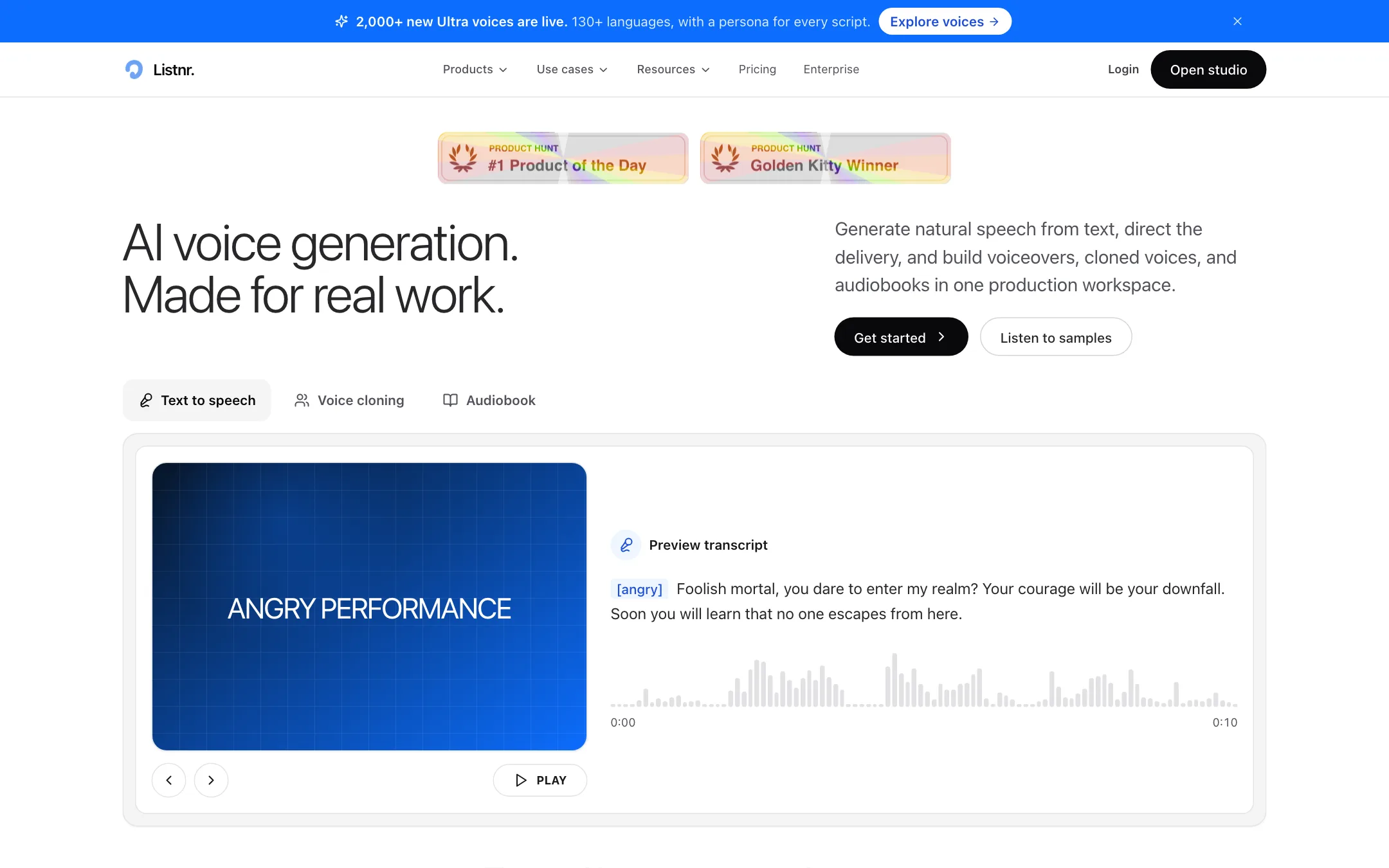

3.Listnr
An AI voice generator for video voiceovers, with 1,000+ voices, style prompts and voice cloning in one browser studio
From $15.83/moFree tierWebAPIBest for: YouTubers, course makers and marketers who need clean AI narration for videos and would rather type a script than record one.
Verdict: A capable text-to-speech studio with a big voice library, style prompts and voice cloning on every paid plan. It is a voiceover tool first. If you need an existing video translated and lip-synced, a dedicated dubbing tool fits better.
Compare them head to head
Frequently asked questions
What is AI video dubbing?
AI dubbing transcribes your video, translates the script and generates a new voice track in the target language. Better tools keep the speaker's voice through voice cloning and can adjust lip movement to match the new audio.
Is AI dubbing good enough for YouTube?
Many creators use it to reach new audiences. Quality varies by language pair, audio quality and how fast the speaker talks. Have a native speaker review at least your first few videos in each language before you rely on it.
What is the difference between a dubbing tool and a text-to-speech tool?
A text-to-speech tool turns a script you write into a voiceover. A dubbing tool starts from an existing video and handles transcription, translation and timing for you. Listnr is mainly text-to-speech; VideoDubber and DupDub focus more on translating video.
Is there free AI dubbing?
Mostly as trials. VideoDubber offers a few free minutes, Listnr gives free credits, and DupDub has a short trial. Ongoing dubbing work needs a paid plan, usually priced by minutes or credits.