
What Videoleap is
Videoleap is a video editor for your phone, made by Lightricks. You may know Lightricks from Facetune, its selfie editor, or from LTX Studio, its AI video platform. Videoleap sits between those worlds. It is a proper editor with layers and keyframes, and it also has a growing set of AI effects and templates.
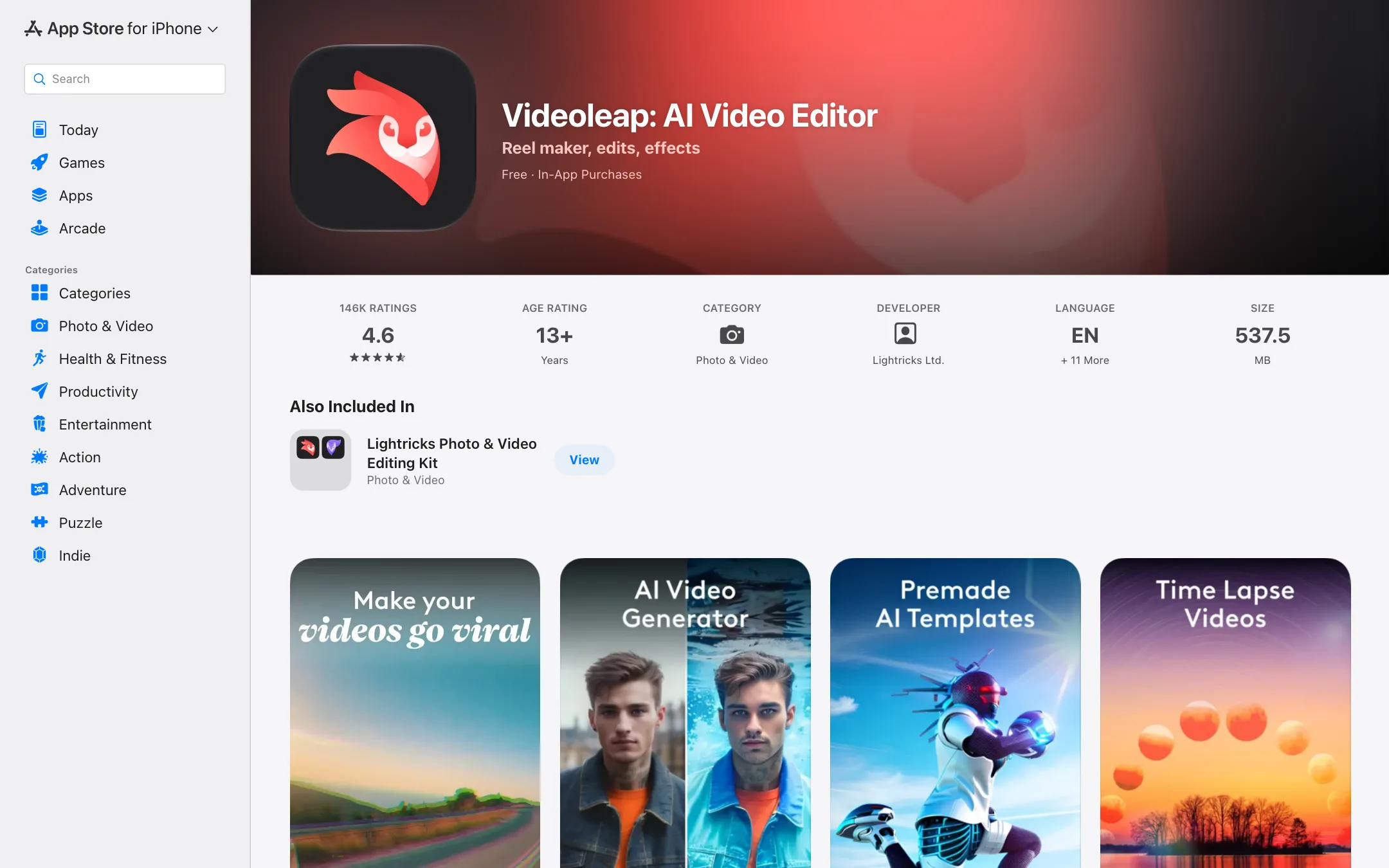
The app has been around since 2017 and has a big following. The US App Store showed a 4.6 rating from about 146,000 ratings when we checked, and the Google Play listing showed 4.6 stars from 199,000 reviews and more than 10 million downloads. Lightricks’ own website claims 95 million downloads across all platforms.
What makes Videoleap different from simpler phone editors is how it handles layers. You can stack video, images, text and effects, then mask, blend and transform each layer. It feels closer to a compositing tool than a basic trim-and-music app.
Who it is for
Videoleap fits you if:
- You edit mostly on an iPhone or Android phone.
- You want creative control on mobile: layers, masks, blend modes, keyframes and green screen.
- You like starting from trending templates and remaking them with your own clips.
- You want one-tap AI effects for Reels, TikTok and Shorts.
Skip it if:
- You need a desktop editor for long-form projects. Look at Filmora or a pro desktop tool.
- You want a free editor with no subscription pressure. CapCut’s free plan does more without paying.
- You need auto captions on Android. Videoleap says its AI subtitle generator is iOS only.
- You want transparent pricing before you install. Lightricks does not publish its prices on the website.
How it works
You download the app, start a project and add clips. The editor centers on a timeline with layers stacked above your main video. From there, you work in three broad ways.
Edit from scratch
Videoleap’s App Store description lists the tools you get for manual editing:
- Clip editing: trim, split, duplicate, flip, mirror and transform.
- Layers: add videos, images, effects and text, then reorder them.
- Masks and blending: combine clips for double exposures and composite looks.
- Keyframes and motion tracking: animate layers and make them follow objects in your footage.
- Green screen: chroma key compositing.
- Transitions: zoom, fade, dissolve and more.
- Color: brightness, contrast, saturation and filters.
- Effects: glitches, rays, flares, prism, defocus, pixelate, chromatic aberration and others.
- Speed control: slow motion and fast motion.
- Audio: over 100 sound effects, voiceover recording, volume and EQ presets, and syncing video to the beat.
Editing is non-destructive, with unlimited undo and redo and a timeline you can zoom into frame by frame. Projects auto-save.
Remake a template
Templates are central to Videoleap. The community feed shows edits made by other users. You pick one, tap to remake it and swap in your own media. You can also publish your own templates for others to use.
This is how most people use Videoleap for trends. It is fast. Like any template system, the downside is that your video can look like everyone else’s. Use templates as a starting point and change the details.
Use the AI tools
Videoleap’s website and store listings mention these AI tools:
- AI video effects: apply AI presets to images and videos in a tap.
- Premade AI templates: remake AI-styled templates with your own photos and clips.
- Remove objects from video: erase people or objects you do not want.
- Remove video background: swap or erase backgrounds.
- AI background generator: replace a background with a generated one.
- AI image extender: expand a photo or frame beyond its edges.
- AI infinite zoom: create an endless zoom video from one image.
- AI text-to-image generator: make an image from a prompt.
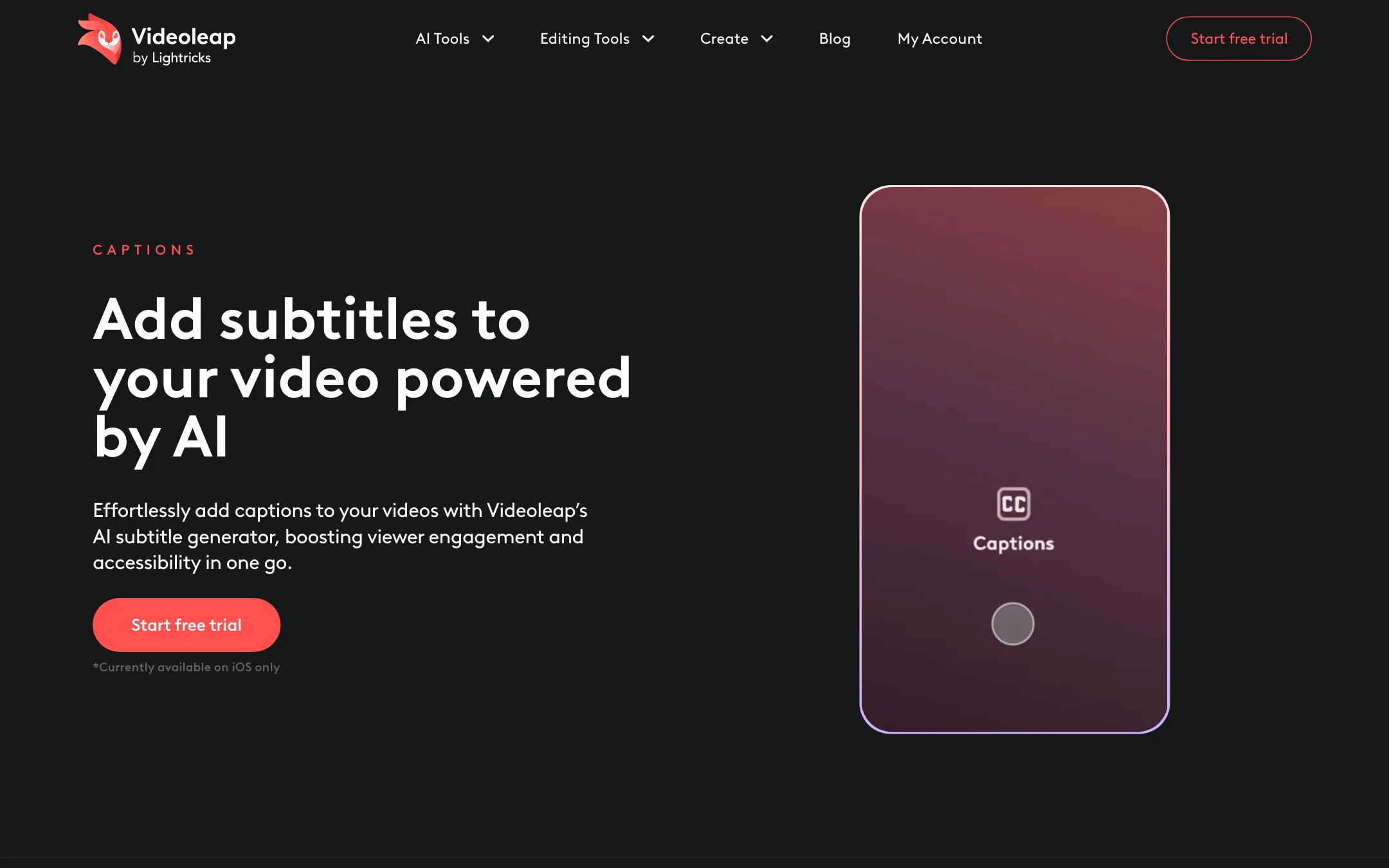
- AI subtitle generator: auto-generate captions in your chosen language, then edit, style and position them. Videoleap’s page notes this is “currently available on iOS only.”
The Google Play listing also talks about AI video generation and enhancement, including “4K-quality enhancement.” We did not test these, and the website’s own tool pages focus on effects, templates and cleanup rather than full text-to-video.
Output quality
We have not used Videoleap hands-on for this review, so we will not rate its export quality or AI results. Here is what the public record shows.
- Ratings are high. 4.6 stars on both the App Store and Google Play, from very large numbers of ratings.
- Long-time users raise stability and value concerns. One App Store review praises the app but says it can crash when handling many small details at once. Others say the free version has become more limited over the years.
- AI effects are aimed at social content. The examples Lightricks shows are stylized portraits, infinite zooms and background swaps, not realistic generated footage.
- Captions follow the usual rule for every auto-caption tool: proofread names, jargon and anything spoken over music.
If quality matters for a specific job, use the 7-day trial on exactly that job before you decide.
Pricing
Videoleap is free to download with in-app purchases. Lightricks does not publish a price list on videoleapapp.com. Every “Start free trial” button leads to a sign-in page before you see any price, and we did not create an account.
Here is what we could verify on 19 October 2026:
| Option | Price | Source |
|---|---|---|
| Free | $0 | App Store and Google Play listings |
| Pro trial | 7 days free | Videoleap homepage |
| Pro subscription | $9.99 | US App Store in-app purchase list (“Unlock filter, multi-layers, sound FX & more”) |
The App Store page does not say whether that $9.99 is monthly. Third-party price trackers report a monthly price around $9.99 and a yearly price around $69.99 in the US, but we could not confirm the yearly figure on an official Lightricks page. Prices also differ by country and store.
A few things to know before you start the trial:
- Set a reminder. The trial converts to a paid subscription unless you cancel in time.
- Web and app subscriptions are separate. One App Store reviewer said they kept being charged after cancelling in the app because they also had a web subscription. Lightricks replied that users should check for and cancel a web subscription too.
- Read the refund policy. Lightricks links a refunds page in the site footer. Store purchases follow Apple’s or Google’s refund rules.
- The Lightricks kit. On the App Store, Videoleap is also included in the “Lightricks Photo & Video Editing Kit” bundle with other Lightricks apps. If you already use Facetune or Photoleap, check whether the bundle is cheaper than separate subscriptions.
How to get the most from the trial
Seven days is short. Plan the week so you learn what you need to know:
- Day one: install the app, start the trial and set a calendar reminder for day six.
- Pick a real project. Edit a video you actually need to post, not a test clip. That shows you whether the workflow fits.
- Try the layer tools. Masks, blend modes and keyframes are what set Videoleap apart. If you never use them, a simpler editor may be enough.
- Test the AI tools you care about. Object removal, background removal and captions on your own footage tell you more than any demo.
- Remake two or three templates. See how much time they save and how easy they are to make your own.
- Check the paywall prices. Note the monthly and yearly prices in your country before the trial converts.
- Decide. Cancel through the store you used, and on the website if you also subscribed there.
Videoleap compared with other editors
Videoleap vs CapCut. CapCut gives you more for free, works on desktop and in the browser, and has auto captions on every platform. Videoleap’s strengths are its layer, mask and blend tools and a cleaner, ad-free app. If you only need trims, captions and templates, CapCut is the cheaper choice. If you want compositing on your phone, Videoleap is worth the trial.
Videoleap vs Filmora. Filmora is a desktop editor first, with a mobile app on the side. It suits longer YouTube videos, tutorials and business content. Videoleap is phone-first and built for short social edits. Many creators use a phone editor for quick posts and a desktop editor for bigger projects.
Videoleap vs LTX Studio. Both come from Lightricks. LTX Studio is an AI video creation platform for generating scenes and storyboards. Videoleap is an editor for footage you already have, with AI effects on top. They do different jobs.
Verdict
Videoleap is one of the more powerful video editors you can run on a phone. Layers, masks, blend modes and keyframes give you creative control that simpler apps lack, and the AI effects and community templates make trend edits quick.
The weak points are around money and platforms. Lightricks hides its prices until you are in the app or signed in, some AI tools are iOS only, and subscription complaints show up in reviews. Start the 7-day trial with a cancellation reminder set. If you want more for free, try CapCut. If you need a desktop editor, look at Wondershare Filmora.