CapCut vs Animaker
Two video editors tools, side by side. Same test criteria, same honesty about what breaks.
Some links on this page are affiliate links. If you buy through them we may earn a commission at no extra cost to you. It never changes how we rank tools. Read our disclosure.
#2 of 6 in Video editors
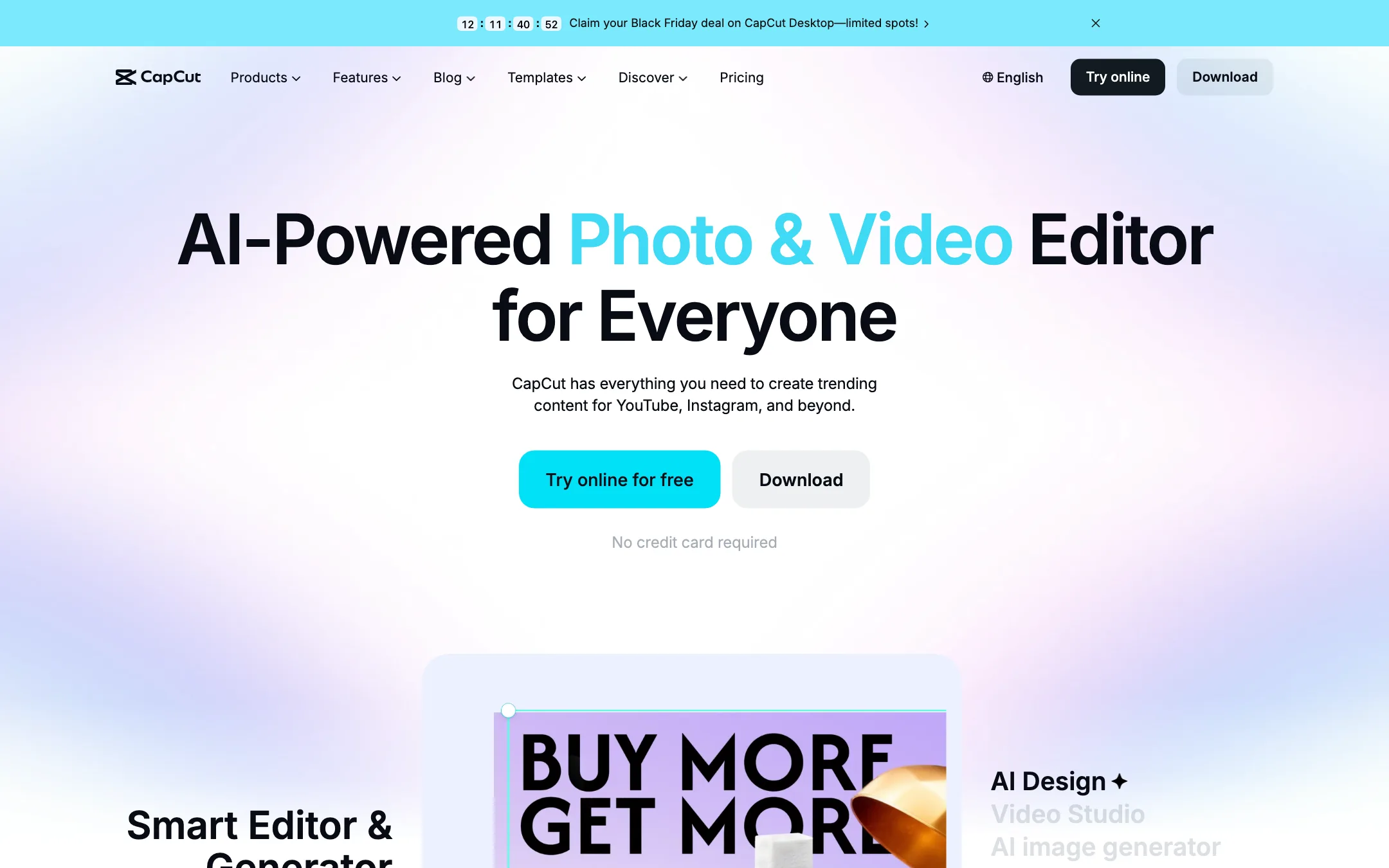
ByteDance's free all-round video editor with auto captions, huge template library and built-in Seedance video generation
Best for: Social creators who want one free editor on phone, browser and desktop, with auto captions and trend templates built in.

#3 of 6 in Video editors
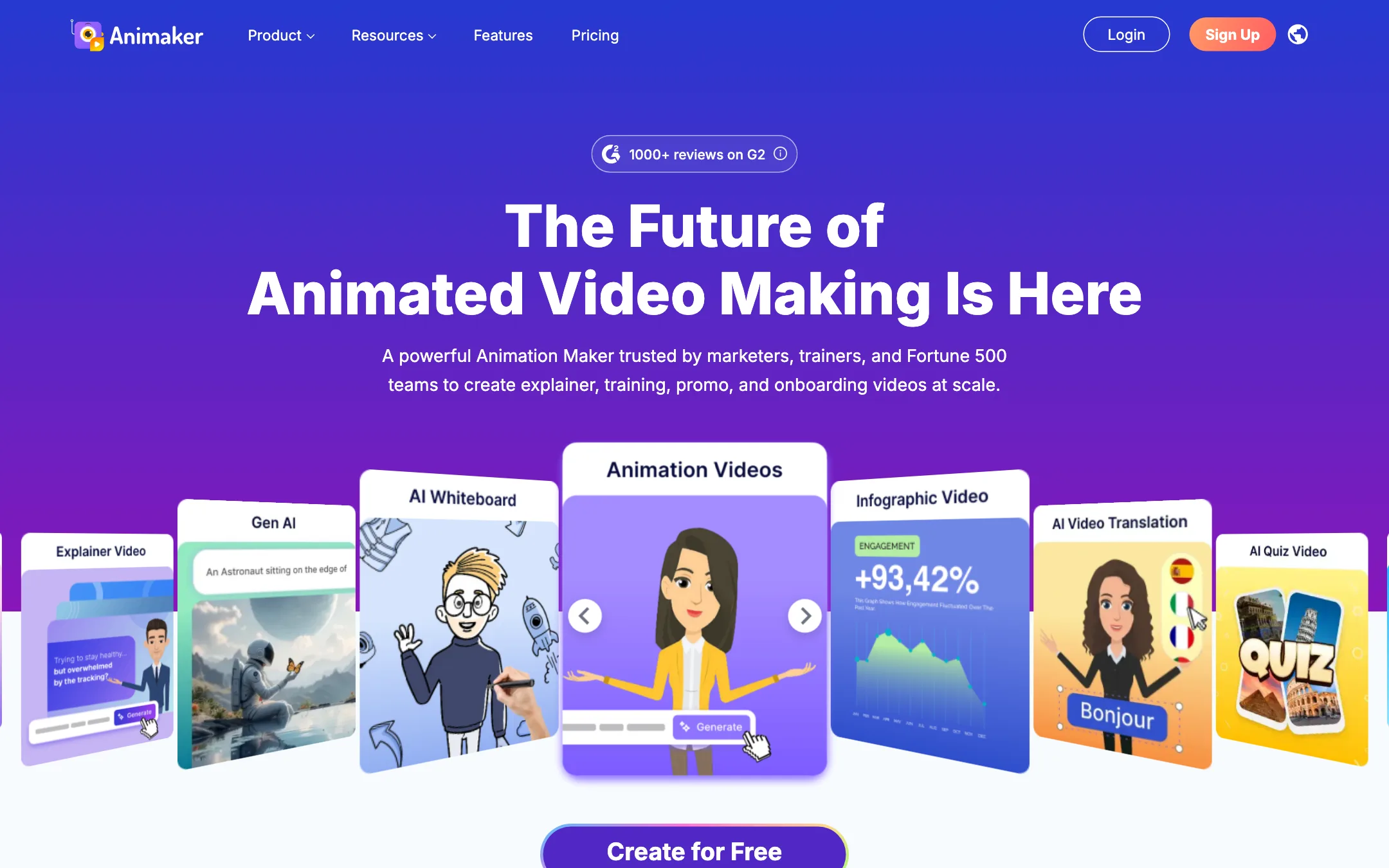
A browser-based animation studio for explainer, training and promo videos, with a character builder, whiteboard mode, AI voices and prompt-to-animation
Best for: Trainers, HR teams, teachers and marketers who need clear animated explainers and training videos without hiring an animator.
The short answer
More creators choose CapCut than Animaker, and it ranks higher in our video editors list. Pick CapCut if you want social creators who want one free editor on phone, browser and desktop, with auto captions and trend templates built in. Pick Animaker if you want trainers, hr teams, teachers and marketers who need clear animated explainers and training videos without hiring an animator.
CapCut: The default free editor for short-form creators, and for good reason. Captions, templates and effects are a tap away on every device. The catch is regional pricing you only see after sign-in, a credit system for the AI features, and ByteDance ownership, which some workplaces restrict.
Animaker: Animaker is a mature, template-rich animation maker that does explainers, whiteboard videos and custom cartoon characters well. It is not a cinematic AI video generator. Watch the plan limits closely, since commercial rights only start on Pro and generative video seconds are tiny on every plan.
Specs side by side
| CapCut | Animaker | |
|---|---|---|
| Starting price | Pricing not published | From $15/mo |
| Free tier | ||
| Pricing | Free plan with basic editing and free templates. Pro, Ultra and Teams plans are priced per region; we saw Pro at MYR 48.9/mo. | Free plan with watermarked exports. Paid plans from $15/mo billed yearly ($27 monthly). |
| Platforms | Web, Windows, macOS, iOS, Android, iPad | Web, iOS, Android |
| Best for | Social creators who want one free editor on phone, browser and desktop, with auto captions and trend templates built in. | Trainers, HR teams, teachers and marketers who need clear animated explainers and training videos without hiring an animator. |
| Last checked | 2026-10-19 | 2026-10-19 |
Pricing
CapCut
Free plan with basic editing and free templates. Pro, Ultra and Teams plans are priced per region; we saw Pro at MYR 48.9/mo.
- FreeFree
- ProMYR 48.9/mo · MYR 314.9/yr
- UltraMYR 324.9/mo · MYR 3,699/yr
- TeamsFrom MYR 22.5/seat/mo (2 seats)
Animaker
Free plan with watermarked exports. Paid plans from $15/mo billed yearly ($27 monthly).
- Free$0
- Basic$15/mo yearly ($180/yr) · $27 monthly
- Starter$25/mo yearly ($300/yr) · $45 monthly
- Pro$43/mo yearly ($516/yr) · $79 monthly
- EnterpriseCustom
Key features
CapCut
- Timeline editor on web, Windows, macOS, iPhone, iPad and Android
- Auto captions with language detection and caption translation
- Caption templates with styled, animated text
- Large library of templates for Reels, TikTok and Shorts
- Text to speech, custom voices, voice enhance and noise reduction
- Background removal for video and images
- AI video generation with ByteDance's Seedance models inside the editor
- AI image generation and image tools (enhancer, upscaler, inpainting, text remover)
- Teams plan with shared space and brand kit
Animaker
- Drag-and-drop animation editor with thousands of templates
- Character builder for custom cartoon characters, with actions and expressions
- Prompt-to-animation generator that drafts a video from a text idea
- Whiteboard and infographic animation modes
- AI voiceovers with auto lip sync, using voices from providers such as ElevenLabs, Microsoft and Google
- AI subtitles with translation into 100+ languages
- One-click video translation (Enterprise)
- Generative AI clips and AI image, background and prop generators
- Stock library of 100M+ assets and 30K+ music tracks and effects
- Avatar-based presentation maker with PowerPoint import
- Real-time collaboration and brand kit (Enterprise)
Strengths and weaknesses
CapCut
- Free plan covers real editing on every platform
- Auto captions and caption styles are built into the timeline
- Template library is huge and tracks current trends
- Same account across phone, browser and desktop
- Seedance video generation lives inside the editor, so you can generate and cut in one place
- Pro includes 1 TB of cloud storage
- Prices vary by country and the final price only shows after sign-in
- Many effects, templates and AI tools sit behind Pro
- AI features run on credits, and generation pricing is quoted per second of video
- Owned by ByteDance, which some companies and schools block
- The sheer number of tools and menus can feel cluttered
- The affiliate program only pays for referrals from four countries
Animaker
- Free plan lets you build and export real videos
- Very large template and asset library for business and training topics
- Character builder is a genuine differentiator for branded cartoons
- Whiteboard mode included on every paid plan
- Paid plans remove the watermark from Basic up
- Web, iOS and Android apps
- Commercial rights are listed only from Pro ($43/mo yearly) upward
- Generative AI video is capped at 90 or 180 seconds a month on Starter and Pro, and none on Basic
- Premium downloads are counted, as low as 5 a month on Basic
- Collaboration, brand kit and video translation sit behind custom Enterprise pricing
- Monthly billing costs up to 45% more than yearly
- Output style is template animation, not realistic AI footage
Try CapCut
Free plan with basic editing and free templates. Pro, Ultra and Teams plans are priced per region; we saw Pro at MYR 48.9/mo.
Try Animaker
Free plan with watermarked exports. Paid plans from $15/mo billed yearly ($27 monthly).