What Filmora is
Wondershare Filmora is a desktop video editor for Windows and Mac, with companion apps on iPhone, iPad and Android. Wondershare is a large software company that also makes PDFelement, EdrawMax, Recoverit, UniConverter and a growing list of AI apps. For video, Filmora is its flagship.
You may have seen Wondershare listed in AI directories as an “AI suite.” The company does make a lot of AI tools, from Virbo avatars to Media.io generators. But when people want to edit video with Wondershare, they mean Filmora. It is also the video product Wondershare puts first on its affiliate page. So that is what this review covers.
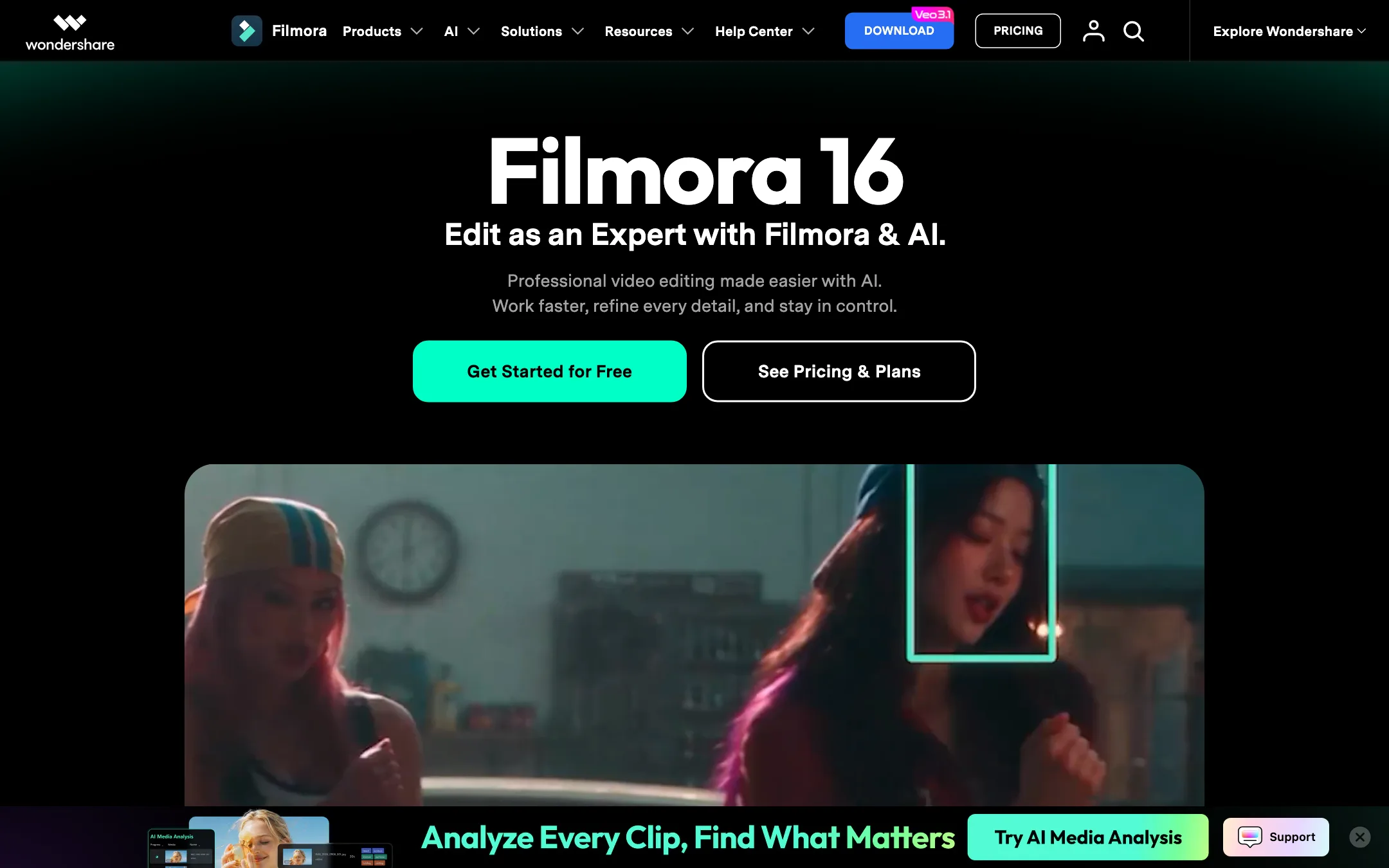
The current version is Filmora 16. At its core it is a classic timeline editor: import, cut, arrange, add titles, music and effects, color correct, export. Around that core Wondershare has added dozens of AI features, including speech-to-text subtitles, text-based editing, object removal, translation with lip-sync, and AI video generation using Google’s Veo 3.1, OpenAI’s Sora 2 and ByteDance’s Seedance 2.0.
Who it is for
Filmora fits you if:
- You make YouTube videos, tutorials, courses or business content on a desktop.
- You find Premiere Pro or DaVinci Resolve intimidating and want something you can learn quickly.
- You want AI shortcuts, like auto subtitles, silence removal and short clips, inside the same editor.
- You prefer to pay once. Filmora still sells a perpetual license.
- You switch between Windows and Mac and want one subscription for both.
Skip it if:
- You only edit on your phone. CapCut or Videoleap will suit you better.
- You work in a professional post-production pipeline. Resolve and Premiere have deeper color, audio and collaboration tools.
- You want predictable AI costs. Most AI features cost credits on top of the plan.
- You dislike upsells. Wondershare cross-promotes its other apps and runs frequent deals.
How it works
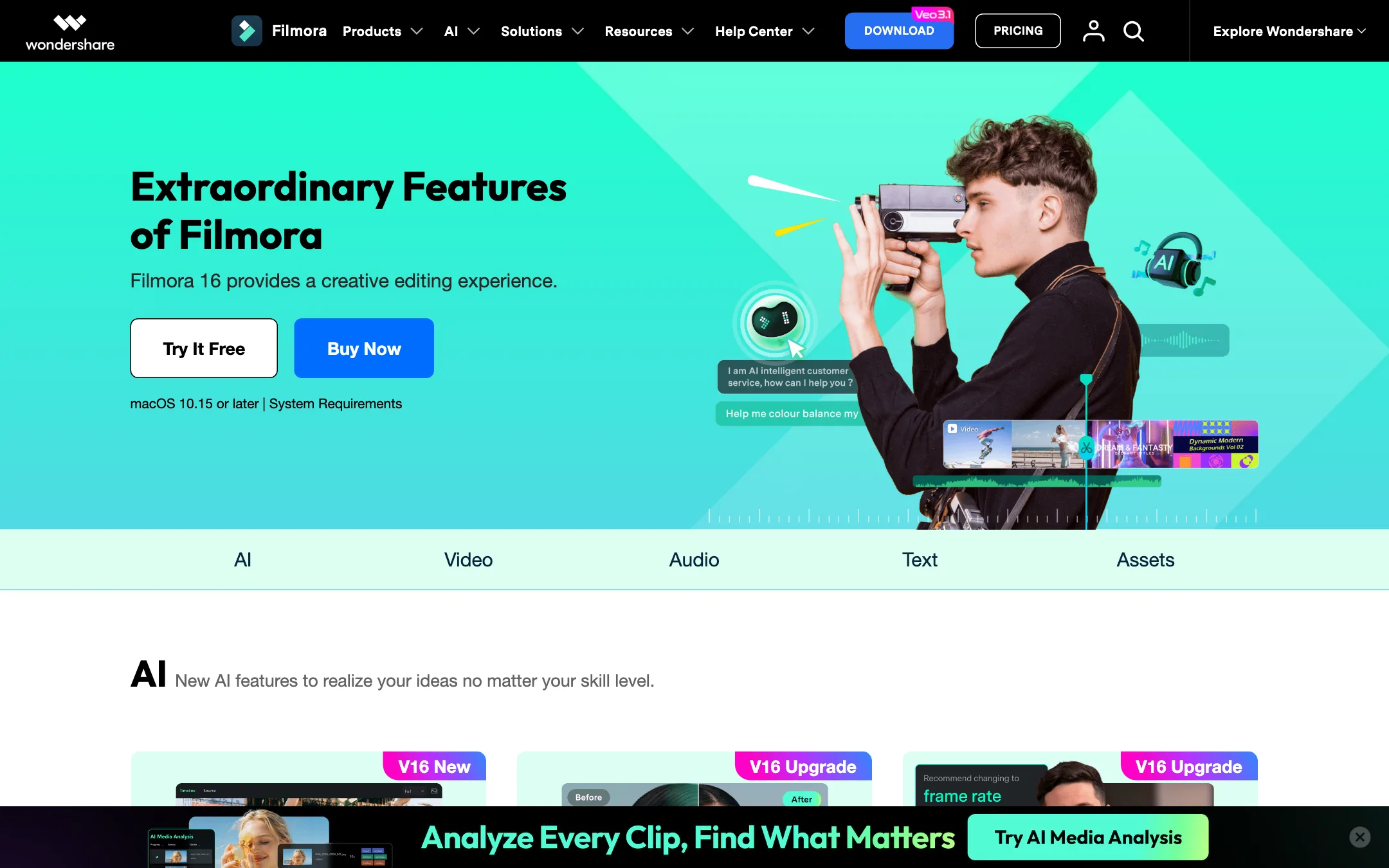
You download Filmora and start a project. The layout will feel familiar if you have used any desktop editor: a media bin, a preview window and a multi-track timeline. Wondershare’s homepage frames the workflow in five stages, and it is a fair summary.
1. Start and organize
Import footage or record it with the built-in screen recorder. The recorder captures screen, camera, microphones and system audio at the same time and keeps each on its own track, which is handy for tutorials and gameplay.
AI Media Analysis is new in Filmora 16. Wondershare says it identifies people, scenes, actions, speech and key moments, then adds tags, summaries and edit suggestions so you can find shots faster.
2. Cut and edit
The timeline has the tools you expect: a magnetic timeline, razor cuts, keyframes with curves, compound clips, adjustment layers, multicam editing and dual timelines. Wondershare also highlights:
- Text-based editing: transcribe the audio and edit the video by deleting words, like a document.
- Silence detection: remove pauses automatically.
- Camera tracking, planar tracking and motion tracking, plus Mocha tracking integration.
- Pen tool for custom motion paths and masks.
- Keyboard presets that mimic Final Cut Pro, Premiere and CapCut shortcuts, which helps if you are switching.
3. Refine picture and sound
Color tools range from quick correction to HSL, curves, color wheels, 3D LUTs and a color mask for faces or skies. On the AI side there is a video enhancer that Wondershare says can upscale to 4K, AI relighting, flicker removal, stabilization, lens correction and AI object removal.
For audio you get voice enhancement, noise removal, audio ducking, auto beat sync, a vocal remover, AI music and sound effect generation, and text to speech with 40 voices.
4. Subtitles and captions
Filmora’s AI Subtitle Generator transcribes speech into subtitles, suggests corrections and puts captions on dedicated subtitle tracks you can style. Wondershare says it can smart-proofread errors and refine grammar in one click. We did not test accuracy, so plan to proofread names and jargon.
AI Translation goes further. Wondershare says it translates videos into multiple languages with voice cloning and lip-sync. AI Voice Cloning claims to clone a voice from a few seconds of audio across 16 languages.
5. Create and deliver
This is where Filmora has changed most. The AI creation tools include:
- AI Text to Video and Image to Video, which Wondershare says are powered by Seedance 2.0, Sora 2 and Veo 3.1.
- AI Idea to Video and AI Script to Video, which build a video from keywords or a script.
- AI Audio to Video, which turns audio-only content into a visual video.
- AI Video Extender, which lengthens a clip while keeping motion and sound in sync.
- Smart Short Clips, which picks key moments from a long video and turns them into vertical clips with music and subtitles.
- AI Thumbnail Creator and AI Copywriting for titles and descriptions.
For delivery, you can reframe for different aspect ratios, export several versions at once, export up to 4K on paid plans and hand off timelines as Final Cut Pro 7 XML.
Output quality
As an editor, Filmora exports clean, watermark-free video up to 4K on paid plans. The final quality depends on your footage and settings.
The AI features are a mixed bag by nature, and we have not tested them hands-on:
- Subtitles and text-based editing are mature categories. Expect good results on clear speech and errors on names and noisy audio.
- Generation uses third-party models: Veo 3.1, Sora 2 and Seedance 2.0. The clip quality is the model’s, not Filmora’s. What Filmora adds is the ability to drop the result straight onto your timeline.
- Enhancement, object removal and relighting work best on mild problems. No tool fully rescues badly shot footage.
- Translation with lip-sync is an ambitious feature. Test it on a short clip before you promise a client a dubbed version.
Wondershare also points to strong review-site scores, with 4.5 out of 5 on G2, Capterra and GetApp shown on its homepage. Those reflect the editor as a whole, not any single AI feature.
Pricing
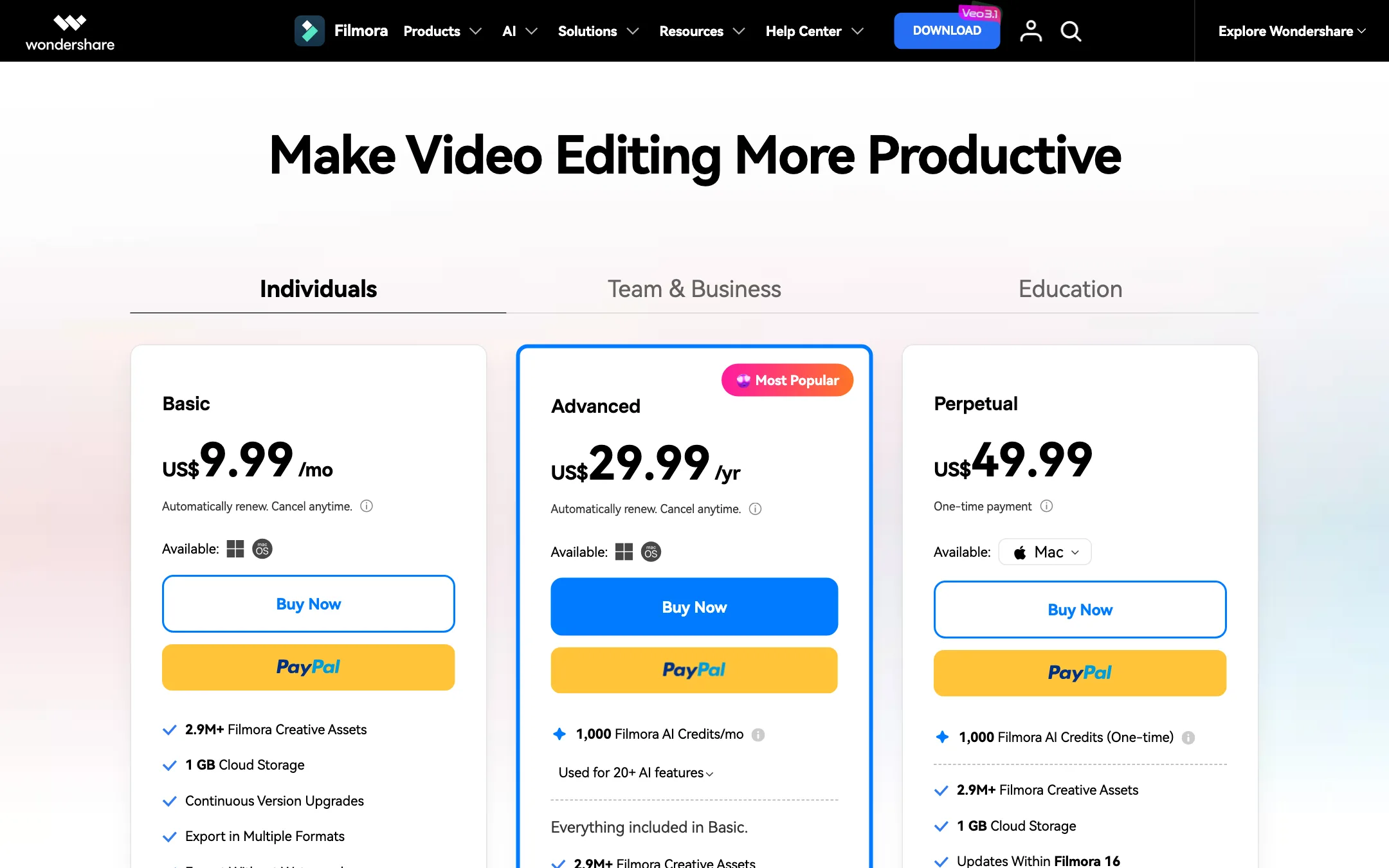
Filmora’s pricing page splits plans into Individuals, Team and Business, and Education. Here is the individual pricing Wondershare showed us in Chrome on 19 October 2026.
| Plan | Price | What you get |
|---|---|---|
| Free | US$0 | Full editor, watermark on export, limited assets |
| Basic | US$49.99/yr | No watermark, 4K export, version upgrades, 1 GB cloud, AI paid by credits |
| Advanced | US$59.99/yr (listed down from US$69.99) | Basic plus 1,000 AI credits a month and 10 GB cloud |
| Perpetual | US$79.99 once | Filmora 16 only, 1,000 one-time AI credits, one platform |
Here is the odd part. A headless browser session on the same day saw a different set of prices on the same pages: Basic at US$9.99 a month, Advanced at US$29.99 a year and Perpetual at US$49.99. Wondershare may be running a promotion or testing prices for different visitors. Do not rely on either set. Check the price on the checkout screen.
A few more things to know:
- AI credits are the real cost. Almost every AI feature in the comparison table is marked “paid by AI credits.” Advanced includes 1,000 credits a month. Basic includes none.
- Credits do not roll over. Wondershare’s FAQ says unused credits from the previous 30-day period are reclaimed when the new batch is issued.
- There is a slow lane. The FAQ says tasks run on a high-speed channel when you have credits, and a normal channel that uses no credits is slower. This applies on Windows and Mac only.
- Creative Assets is a separate add-on. The plans include a 7-day free trial of Filmora Creative Assets that then renews at US$9.99 a month. Cancel it if you do not want it.
- Perpetual has limits. It covers Filmora 16 updates only, and a Windows license does not work on Mac.
- Refunds. Wondershare advertises a 30-day money-back guarantee, subject to its refund policy.
Which plan to pick
- Pick Free to learn the editor. You can do a full edit and see the export, watermark and all, before you spend anything.
- Pick Basic if you mainly cut footage and add titles, music and effects. You get watermark-free 4K export and version upgrades, and you pay for AI only when you use it.
- Pick Advanced if you plan to use subtitles, text-based editing, enhancement or generation every month. The 1,000 monthly credits are the main reason it exists.
- Pick Perpetual if you hate subscriptions and are happy to stay on Filmora 16. Remember it covers one platform and future major versions cost extra.
How to keep AI costs down
- Use the free tools first. Smart Search, Auto Reframe, AI Face Mosaic, AI Portrait and AI Color Palette are marked free on paid plans in Wondershare’s comparison table.
- Spend credits before they reset. Unused monthly credits do not carry over.
- Draft generations short. Test a prompt on a short clip before you generate longer shots with Veo or Sora.
- Watch the add-ons. Cancel the Creative Assets trial if the built-in library is enough for you.
Verdict
Filmora is a strong pick if you want a real desktop editor without the learning curve of Premiere or Resolve. The AI toolbox is one of the broadest in any consumer editor, and having Veo, Sora and Seedance generation on the same timeline as your footage is genuinely convenient.
Go in with eyes open on cost. The plan price is only part of it, since most AI tools draw on credits that expire monthly. And because Wondershare showed us two different price sets on the same day, always confirm the final price at checkout. If you mostly edit on a phone, CapCut or Videoleap will fit your workflow better.