What Mootion is
Mootion is an AI video storyteller. You type an idea, paste a script or upload a recording. Mootion writes the story, breaks it into scenes, generates the visuals, adds voiceover and music, and hands you a finished video.
That is a different job from most text-to-video tools. A generator like PixVerse makes one clip from one prompt. Mootion makes a whole short video with a beginning, middle and end. It is closer to an automated explainer and story studio than a raw model.
Mootion does not train its own flagship video model. The homepage says it is “powered by Seedance 2.5, MiniMax H3, and more.” Seedance comes from ByteDance and MiniMax H3 from MiniMax. Mootion’s own work is the planning layer: script, storyboard, voice, music and editing. The company behind it is HK Mootion Limited, and it lists partners such as Lark and AutoGLM for its API.
Mootion says more than 100 million videos have been created by more than 5 million creators. We have not verified those numbers.
Who it is for
Mootion fits you if:
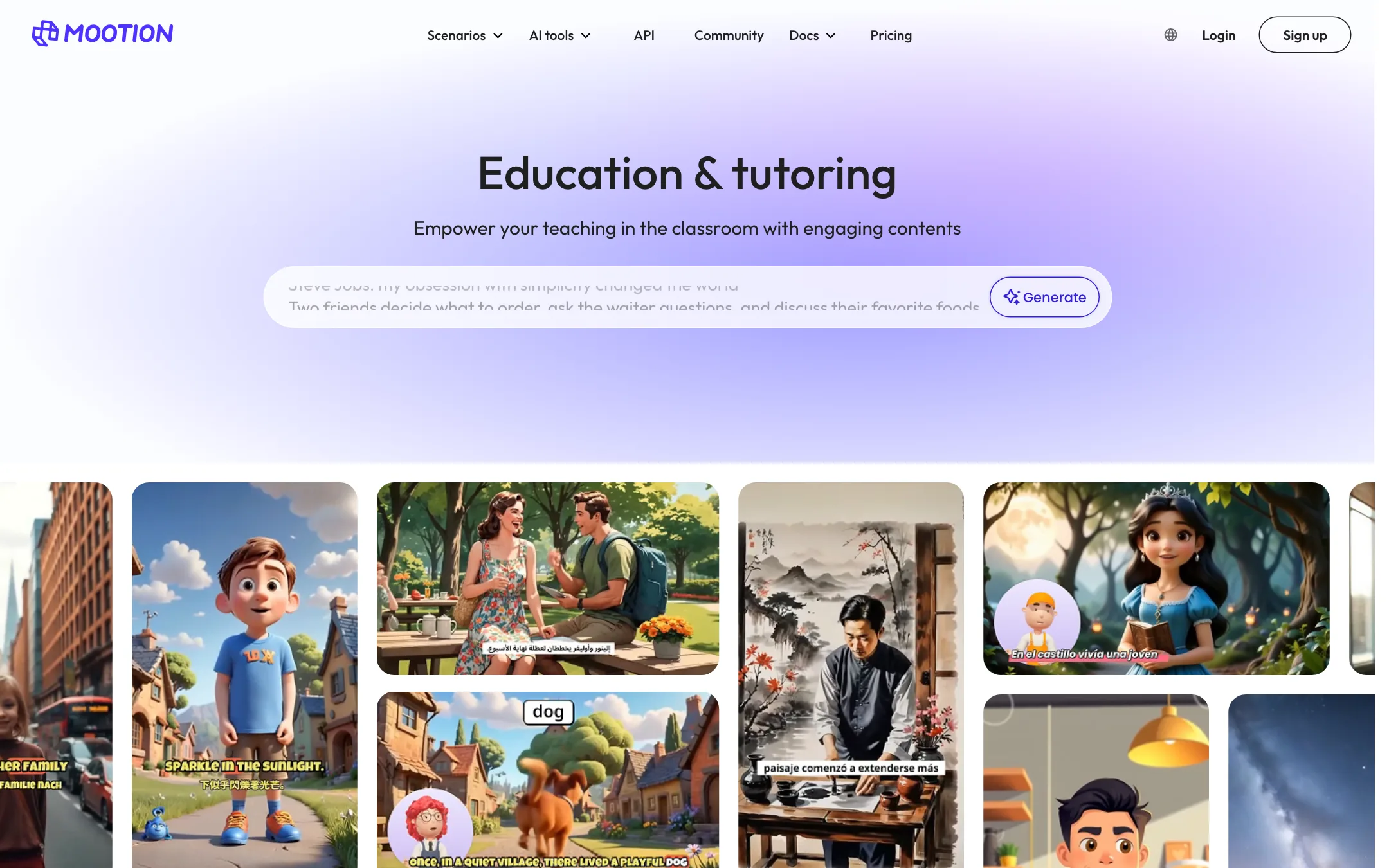
- You teach and want story-based videos for lessons. Education is Mootion’s most visible use case.
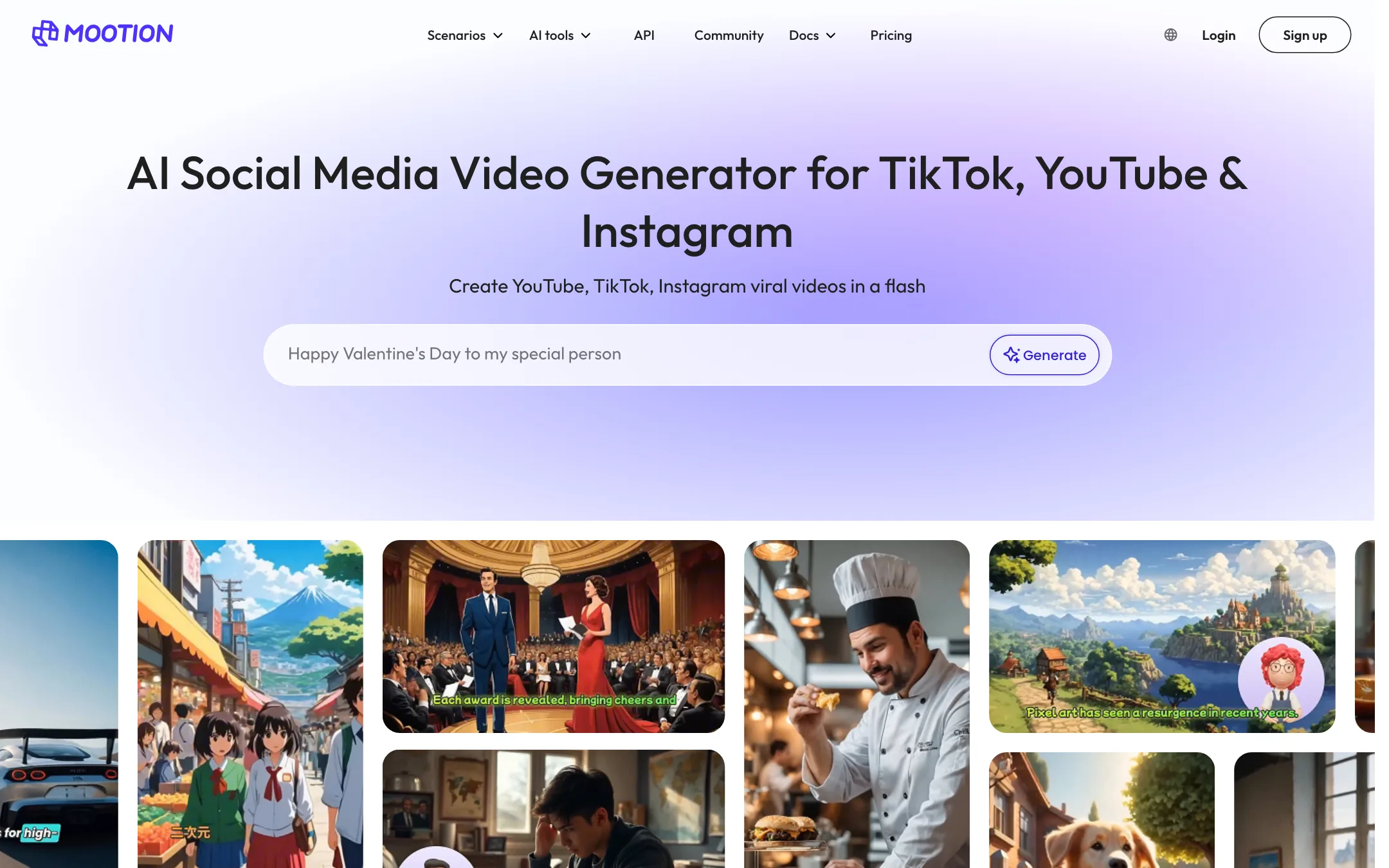
- You run a faceless YouTube, TikTok or Instagram channel built on stories, facts or history.
- You write scripts and want the visuals, voice and music handled for you.
- You need output in several languages.
Skip it if:
- You want to try before you pay. There is no free plan.
- You want single high-end cinematic shots. A model maker gives you more control per shot.
- You plan heavy use of premium models on a small budget. Credits go fast.
How it works
The app lives at storyteller.mootion.com and needs an account. We did not log in, so this walkthrough is based on Mootion’s documentation and public pages.
Three ways in
- Idea to video: describe your idea in a sentence or two. Mootion writes the script and builds the video. Pro raises the input limit to 50,000 characters.
- Script to video: paste your own script. You control what is said, and Mootion handles visuals and voice.
- Recording to video: upload your own voice or video recording. Mootion builds visuals that sync to it.
The homepage also says you can start from audio, video, files or links.
Instant Mode and Director Mode
Mootion has two working modes:
- Instant Mode goes straight from prompt to finished video. It is built for single-shot speed, and Mootion pitches it at TikTok, Shorts and Reels. You can pick 16:9, 9:16, 1:1, 21:9, 4:3 or 3:4.
- Director Mode builds a storyboard first and renders after. Each project becomes several scenes you can edit.
The storyboard
In Director Mode, each scene holds a description, dialogue, a sound effect, a camera move and a duration. You can add, split, merge and delete scenes. You can preview and go back to fix things before you export. Plus raises the cap to 64 scenes per project.
Smart Reference lets you upload images, video or audio as references. Mootion says this locks in lighting, motion, character looks or art style, which matters if the same character appears in every scene.
Models
Mootion V5.0 lets you choose the model for each project. The FAQ lists:
- Base: 4 credits per second.
- MiniMax H3 Flash: 4 credits per second.
- MiniMax H3: 20 credits per second.
- Seedance 2.0 Mini: 25 credits per second.
- Seedance 2.0: 40 credits per second.
- Seedance 2.5: 64 credits per second.
Models with native audio generate dialogue and effects with the picture. With other models you add voiceover afterwards.
Templates, music and export
Mootion offers 16 smart templates. They include general creation, faceless short videos, history for kids, science for kids, bedtime stories, bilingual stories and dialogue, and religious, healing and horror stories. Use-case pages cover social content, education, kids stories and marketing.
The AI music library is royalty-free, according to Mootion. When the video is done you can download it, or download a .zip of the scripts, images and clips to finish the edit in another tool. Mootion also writes a summary and hashtags for posting.
Writing prompts that work
Mootion’s FAQ has blunt prompt advice. Keep the prompt precise and concise, and state the key message. Its good examples:
- “Create a bedtime story for 5 years old”
- “Introduce the life of Julius Caesar and his great achievements”
- “5 fun facts about milk and dairy goods, end with Follow me for more”
Its bad examples are prompts with no idea in them, such as “Write a story,” “A news report” or “I am happy.” Vague requests like “just tell me something about…” also fail. In short, tell Mootion what the video should say, not just what it should be about. NSFW prompts may be rejected.
If you already have a script, use Script to video instead. You keep control of every line, and Mootion only has to handle the visuals and voice.
Output quality
We have not generated a Mootion video, so we cannot judge quality from our own tests. A few points stand out from its documentation.
- Visual quality depends on the model you pick. Seedance 2.5 and MiniMax H3 are strong current models. Base and H3 Flash are cheaper and will look less polished.
- Story structure is the real product. Users quoted on Mootion’s site praise how quickly it turns an idea into a storyboard and how much of the flow they can control. One mentions making a watchable spy thriller and liking the 3D camera control.
- Consistency is the hard part. Any story with recurring characters needs those characters to look the same in every scene. Smart Reference is Mootion’s answer. Test it on your own characters before you build a channel on it.
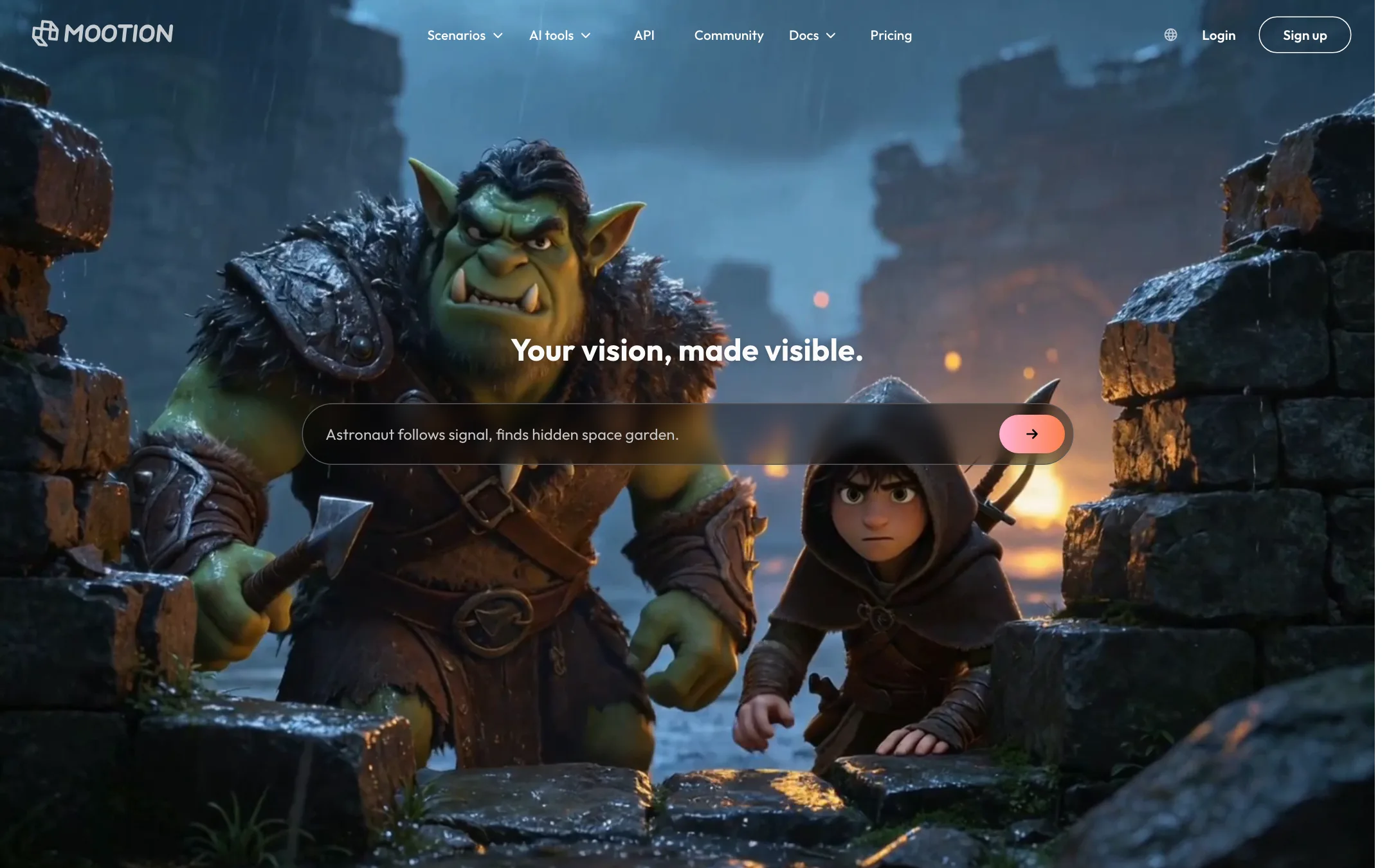
The homepage samples lean toward stylized 3D animation, fantasy and kids-book looks. That matches the template list. If you need photoreal brand footage, test that look specifically.
Pricing
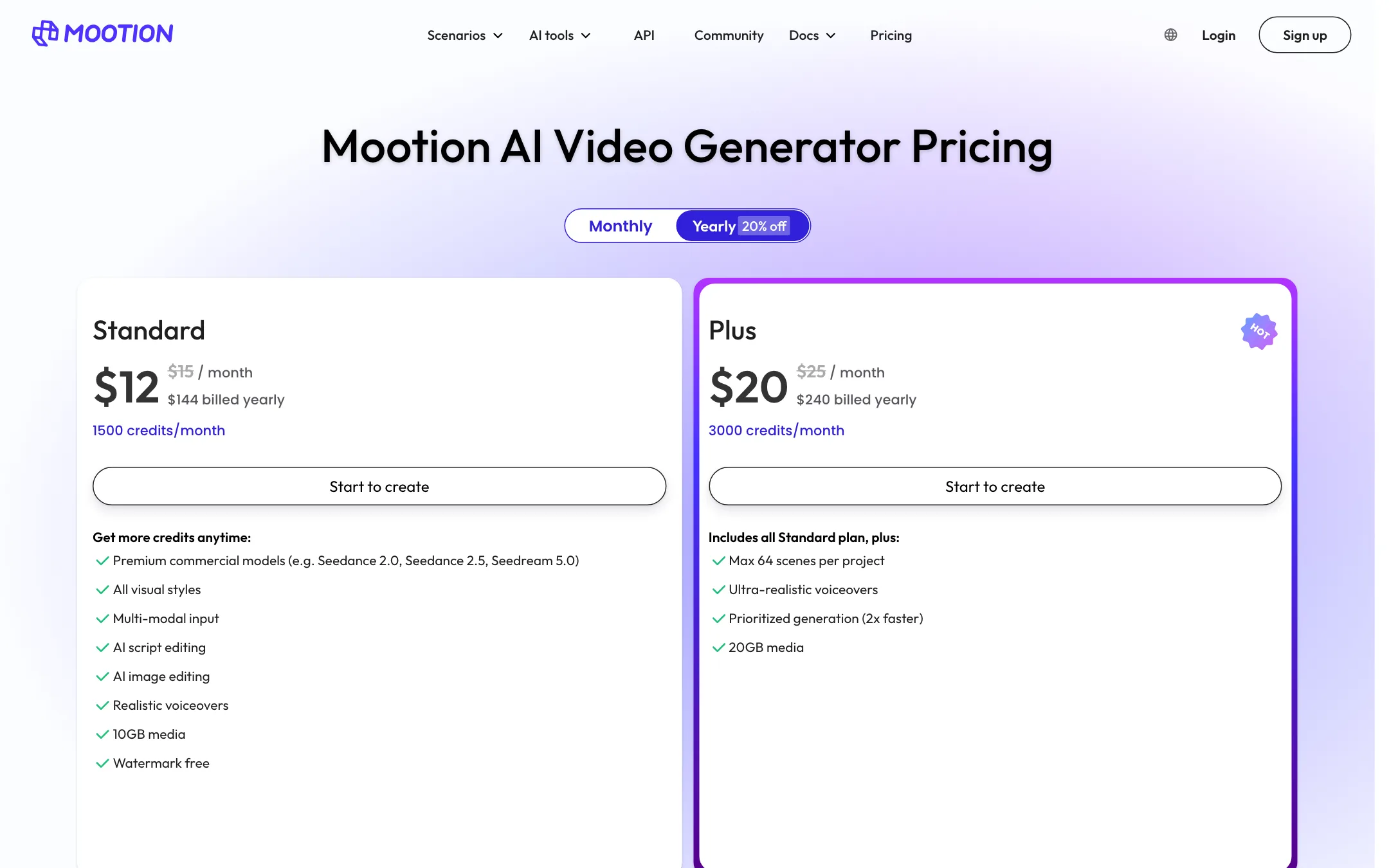
Mootion is paid only. Every plan includes monthly credits, and you can buy extra credits. Prices below were checked on 2026-10-19.
| Plan | Price | Credits per month |
|---|---|---|
| Standard | $12/mo yearly, $15 monthly | 1,500 |
| Plus | $20/mo yearly, $25 monthly | 3,000 |
| Pro | $40/mo yearly, $50 monthly | 8,000 |
| Max | $160/mo yearly, $200 monthly | 32,000 |
| EDU | $5/mo, $60 billed yearly | 1,000 |
Standard already includes the premium models, all visual styles, multi-modal input, AI script and image editing, realistic voiceovers, 10GB of media and no watermark. Higher plans add faster priority, more storage and better voices.
What the credits actually buy
Video is billed per second, and the rate depends on the model. Here is our own math from Mootion’s published rates, assuming you spend every credit on video and nothing on images or voice:
| Model | Credits per second | Standard (1,500) | Pro (8,000) |
|---|---|---|---|
| Base or H3 Flash | 4 | about 6 minutes | about 33 minutes |
| MiniMax H3 | 20 | about 75 seconds | about 6.7 minutes |
| Seedance 2.0 | 40 | about 37 seconds | about 3.3 minutes |
| Seedance 2.5 | 64 | about 23 seconds | about 2 minutes |
The takeaway is simple. On Standard, a two-minute story on Seedance 2.5 is out of reach. Use Base or H3 Flash for drafts and long videos, and save Seedance for the scenes that need it.
Things to know before you pay
- No free plan. The FAQ is clear that you need a paid plan to create and download.
- Plan credits reset every 30 days from your subscription date and are used first.
- Bought credits expire. Credit packs last one to two billing cycles. Referral credits last 12 months.
- Referrals pay in credits. You get 200 credits when a referred friend pays, and they get 500 if they subscribe within 7 days, up to 2,000 per referrer.
- Edu plan needs proof. Teachers and students apply with a school ID or certificate, then can buy the $5 plan.
- Licensing is unusual. Mootion’s FAQ says its content falls under a Creative Commons 4.0 license. That is reassuring for YouTube use, but CC licenses can allow others to reuse work. Read the terms if you make videos for a brand or client.
Verdict
Mootion is one of the better picks on this list if you want a complete story video rather than a single clip. Script, scenes, voice, music and an editable storyboard all come together, and the model choice lets you trade cost for quality per project. Educators get a real deal with the $5 Edu plan.
The downsides are cost and access. There is no free plan, the editor is hidden behind login, and premium models eat credits quickly. Start with Standard on monthly billing, run your drafts on the Base model, and only move to yearly once you know Mootion’s look and workflow fit your channel.