
What Animaker is
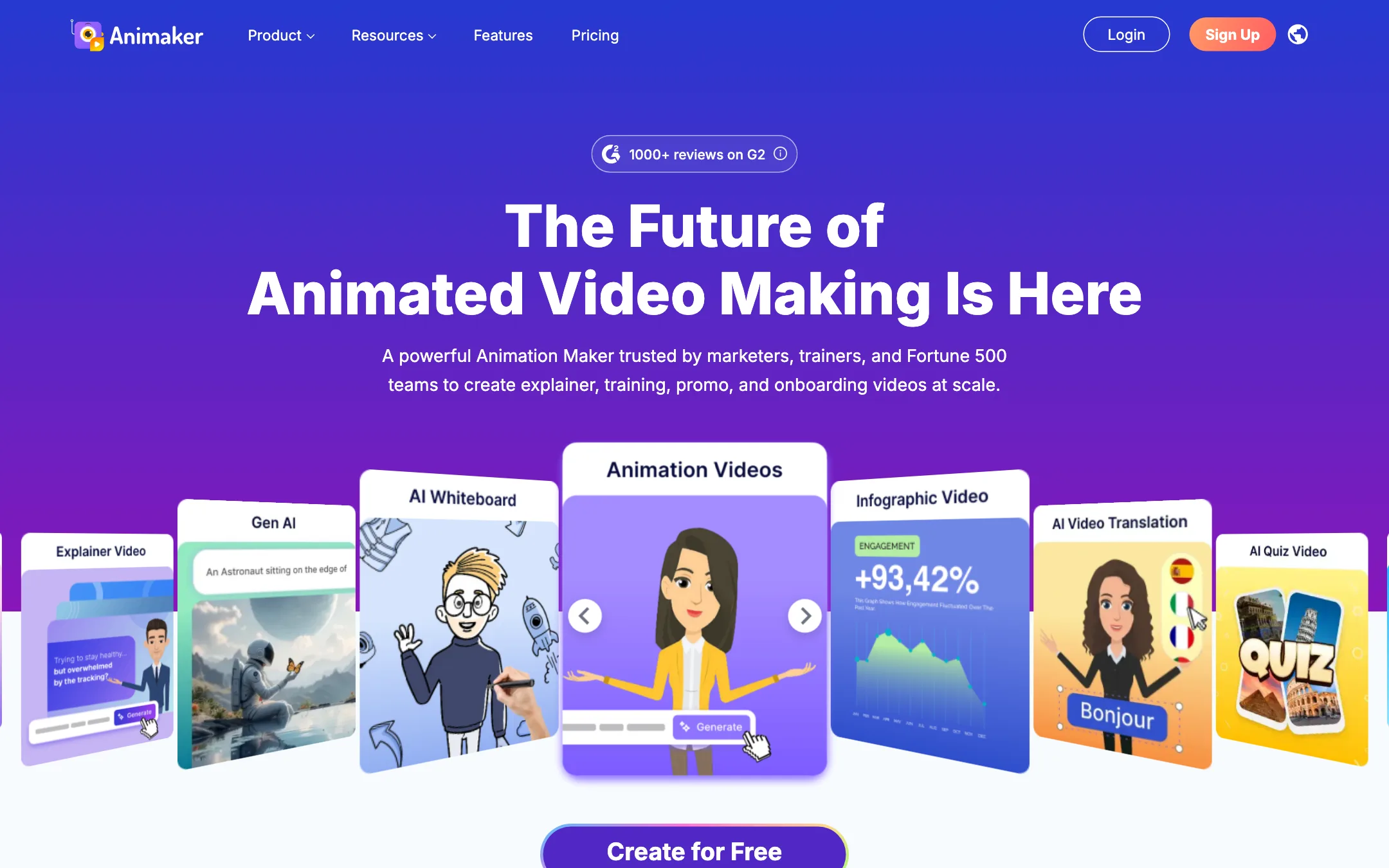
Animaker is an online animation studio. You build videos in your browser from templates, cartoon characters, icons, charts and stock media, then add voiceover, music and subtitles. It has been around for years and says it has more than 35 million users.
Its sweet spot is the animated explainer. Think onboarding videos, training modules, product walkthroughs, internal announcements and social promos. Animaker leans hard into business and education buyers. Its homepage talks about L&D course creators, HR, marketing and internal comms before it mentions anyone else.
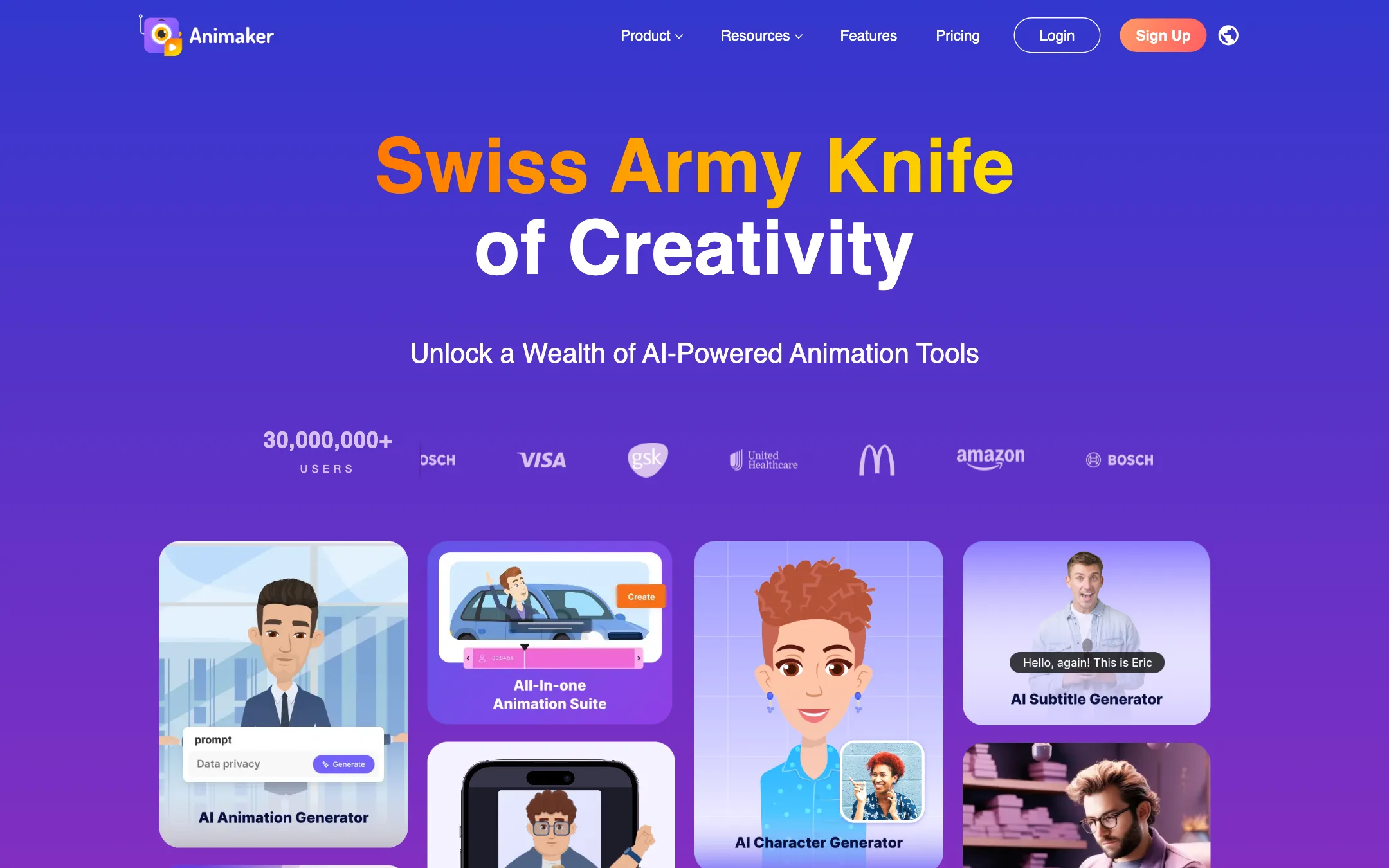
Like most video tools, Animaker has added a layer of AI on top. You can now type an idea and get a draft animation. You get AI voices with lip sync, AI subtitles, AI image and prop generators, and a small allowance of generative AI video. But the heart of the product is still a template editor. If you want realistic AI footage of people and places, this is the wrong tool.
Who it is for
Animaker fits you if:
- You make training, onboarding or compliance videos and want them to look friendly rather than corporate.
- You need explainer videos for a product or service and have no animator on staff.
- You like whiteboard or infographic-style videos for teaching.
- You want a custom cartoon character to represent your brand or your learners.
- You want a free plan you can actually export from while you decide.
Skip it if:
- You want cinematic, realistic AI video. Look at the text-to-video generators instead.
- You need commercial rights on a small budget. Animaker lists them only from Pro up.
- You mainly cut real footage. A timeline editor like CapCut or invideo suits that better.
- Your team needs shared editing and brand kits but cannot stretch to an enterprise contract.
How it works
You start from one of three places: a blank project, a template, or the AI generator.
Starting from a template
Animaker says it has thousands of templates, sorted by use case. Business, ads and promos, HR and corporate, cartoon videos, intros and outros, invites and birthday wishes. You pick one, swap the text, colors and characters, and adjust timing scene by scene.
The editor works like a slide deck crossed with an animation timeline. Each scene holds characters, props, text and backgrounds. Animaker lists effects such as “Smart Move,” enter and exit effects, transitions and “Action & Action Plus” for character movement.
Starting from the AI generator
Animaker describes its text-to-animation flow in four steps:
- Choose a category, such as explainer, educational, intro or product demo.
- Type your idea in plain language, or pick a sample prompt.
- Refine the result through a conversation with the AI.
- Edit the draft in the normal editor and export.
This is a quick way to get a first draft with scenes and script in place. Expect to edit it. A template tool’s AI draft is a starting layout, not a finished video.
The character builder
This is the feature Animaker is best known for. You build a cartoon character from body types, faces, hairstyles and clothes. Its options include adult, plus-size, kid and infant characters. Then you animate the character with actions and expressions across scenes.
Pair that with AI voiceover and auto lip sync and you have a talking mascot or presenter without filming anyone. Animaker says its voice library includes more than 1,000 voices in more than 100 languages from providers including ElevenLabs, Microsoft and Google. Its homepage puts the figure at 1,800+ voices across 200+ languages and accents.
A typical training video run
Here is how a short onboarding video would come together, based on the tools Animaker lists:
- Pick the explainer or training category in the AI generator and describe the topic, such as “a two-minute welcome video for new warehouse staff covering safety basics.”
- Review the draft scenes and script. Cut anything generic and add your own policy points.
- Swap the default characters for one you built in the character builder, so the same presenter appears across your whole course.
- Add an AI voiceover in the language your staff speak, and turn on lip sync for the presenter.
- Generate subtitles, then translate them if you have staff who read another language better.
- Add your logo and colors. On self-serve plans you do this by hand, since the brand kit is Enterprise-only.
- Export at the highest resolution your plan allows and upload it to your LMS or video host.
The steps that take the longest in a template tool are usually steps 2 and 3. A generated draft gives you structure fast, but making it sound like your company is still your job. Budget time for it.
If you produce a series, build your characters and a master template once. Reusing them keeps every video consistent and saves most of the setup time on the next one.
Other tools in the box
- Whiteboard animation. The classic hand-drawn explainer style, included on every paid plan.
- AI infographics. Turns stats into animated charts.
- AI subtitles. Animaker claims 99% accuracy in 130+ languages, with 20+ caption animations and auto-translate. Subtitles are listed from Starter up.
- AI asset generator. Generates images, backgrounds and props from text, using monthly Gen AI asset credits.
- Generative video clips. Short AI-generated clips, metered in seconds per month.
- Video editor tools. Animaker lists 15+ editing tools, including splitting, a sound wave editor, background removal and camera effects.
- Presentation maker. Upload a PowerPoint, add an avatar presenter and edit inside Animaker.
- Mobile apps. Animaker has an iOS app and recently launched an Android app.
Output quality
We have not built a project in Animaker hands-on, so we are not going to grade its animation. Here is what you can judge from its own materials.
The look is template animation. Flat, colorful 2D characters, icons and motion graphics. That style ages well for training and explainers. It does not try to look real.
Resolution depends on the plan. Basic exports in HD, Starter in Full HD, Pro in 2K and Enterprise in 4K. If you need 1080p, Starter is the minimum.
Generative AI video is a small extra. Starter includes 90 seconds of generative video a month and Pro 180 seconds. Basic includes none. That is enough for a few AI shots inside an animated video, not for building whole videos from AI footage.
Voices and subtitles come from big providers. Animaker names ElevenLabs, Microsoft and Google as voice sources, which suggests voice quality close to those services. Test the specific voice and language you need before you commit.
Pricing
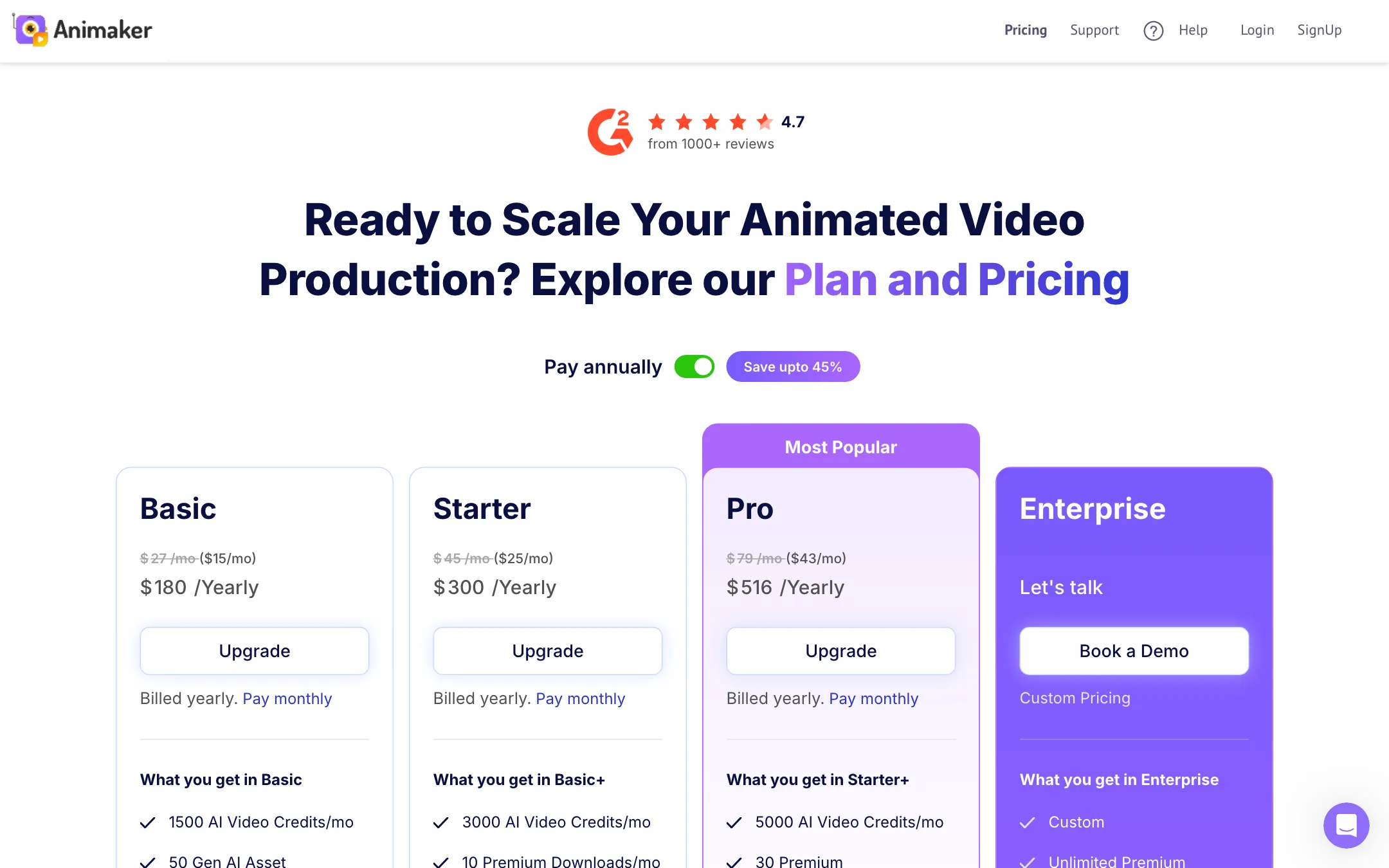
Animaker has a free plan, three self-serve paid plans and custom Enterprise pricing. Paying yearly saves up to 45%.
| Plan | Price | What you get |
|---|---|---|
| Free | $0 | 300 AI video credits, 10 AI assets a month, watermark |
| Basic | $15/mo yearly, $27 monthly | 1,500 AI video credits, HD, 5-minute videos, 5 premium downloads |
| Starter | $25/mo yearly, $45 monthly | 3,000 credits, 90s generative video, Full HD, 15-minute videos, 10 premium downloads |
| Pro | $43/mo yearly, $79 monthly | 5,000 credits, 180s generative video, 2K, 30-minute videos, 30 premium downloads, commercial rights |
| Enterprise | Custom | 4K, unlimited length, reselling rights, collaboration, brand kit, translation |
Prices were read from Animaker’s pricing page on October 19, 2026. Yearly totals were $180 for Basic, $300 for Starter and $516 for Pro.
What the pricing page does not shout about:
- Commercial rights start on Pro. The plan list shows commercial rights on Pro and commercial plus reselling rights on Enterprise. They are not listed on Basic or Starter. If you make videos for paid ads or clients, budget for Pro or confirm the terms with Animaker first.
- Premium downloads are rationed. Basic allows 5 a month, Starter 10 and Pro 30. Check what counts as a premium download before you plan a heavy month.
- Video length is capped. Five minutes on Basic, 15 on Starter, 30 on Pro. Long training modules need Pro or Enterprise.
- The team features are enterprise-only. Live collaboration, the brand kit, AI video translate, templates you can save and SSO all sit in Enterprise.
- Monthly billing is expensive. Basic costs $27 monthly against $15 yearly. If you will use it for more than six months, pay yearly.
Cancelling
Animaker says you can cancel any time from My Plan in your account settings, and your plan stays active until the end of the billing period. Its pricing FAQ does not describe refunds, so read the terms before you buy a yearly plan.
About the partner program
Animaker does not run a classic affiliate program. Its affiliate link redirects to a global reseller and partner program aimed at agencies, L&D providers and training consultants, and it does not publish a commission rate.
Verdict
Animaker is a solid choice when the job is a clear, friendly animated video. Trainers, HR teams and marketers who need explainers will find the templates, character builder and whiteboard mode cover most of what they need, and the free plan lets you test properly.
Go in with your eyes open on the plans. Basic is cheap but limited, commercial rights start at Pro, and the AI video seconds are a garnish. If you need realistic AI footage, use a text-to-video generator and bring the clips into an editor. If you need animated explainers, Animaker is one of the most complete tools in its class.