
What vidIQ is
First, an honest note on why vidIQ is on this list. vidIQ is not a video generator and not a video editor. It is a YouTube growth toolkit: keyword research, video ideas, title and tag suggestions, thumbnails, analytics and coaching. It has been around for years and is one of the two big names in YouTube SEO tools.
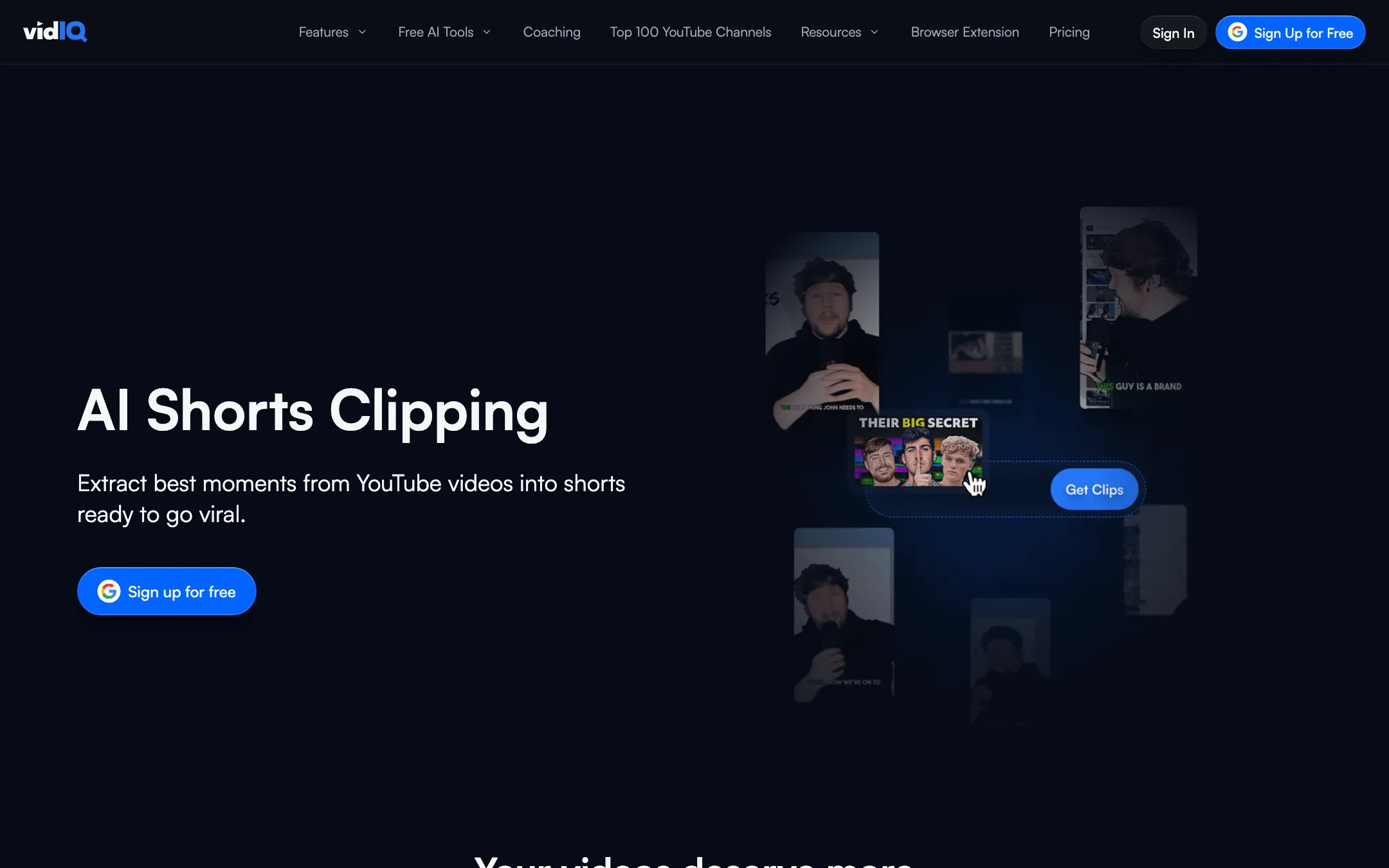
It earns a place on a site about AI video tools because of one feature: AI Shorts clipping. vidIQ can take your long YouTube videos, find the best moments, crop them to vertical, add captions and hand you a batch of Shorts. That puts it in direct competition with short-form clip makers, so that is where we list it.
If you came here for the clipper, read on. If you want a tool that makes videos from a prompt, vidIQ is the wrong pick.
Who it is for
vidIQ fits you if:
- You run a YouTube channel and want to grow it with better topics, titles and packaging.
- You already publish long videos, podcasts or streams and want Shorts from them.
- You like the idea of one subscription covering research, optimization and clipping.
- You want data on what is working in your niche before you film.
Skip it if:
- You do not have a YouTube channel or long-form footage yet. The clipper needs source videos.
- You want deep control over every clip, with B-roll, emoji, zooms and templates. Dedicated clip makers go further.
- You publish mostly on TikTok or Instagram. vidIQ is YouTube-first, though it has started adding Instagram tools.
How it works
vidIQ connects to your YouTube channel. Most features run in the web app, and a browser extension adds data on top of YouTube itself.
Clipping
vidIQ’s clipping page describes the flow like this:
- Pick a long video from your channel.
- Set the clip duration you want.
- vidIQ analyzes the video and transcript to find moments it rates as likely to perform.
- It cuts those moments, crops to vertical and keeps the active speaker in frame.
- It adds captions, placed in the safe zone so platform UI does not cover them. You can pick a caption preset or style your own.
- You review and download, then post to Shorts, Reels or TikTok.
vidIQ says the cuts avoid breaking mid-sentence, which it calls out as important for multi-speaker podcasts. It also says the clipper works for vlogs, podcasts, sports and other formats because it reads both visual and audio cues. We have not run the clipper ourselves, so these are vidIQ’s claims.
The clipper also ties into the rest of vidIQ. Once you have a Short, you can use the title, keyword and best-time-to-post tools on it. That is the real case for clipping inside vidIQ instead of a separate app.
Research and ideas
This is vidIQ’s core:
- Keyword research with search interest and competition data.
- Daily ideas based on your channel and niche.
- Outliers and most viewed to spot videos that beat a channel’s usual numbers.
- Trend alerts for topics picking up speed.
- Competitor tracking to watch channels in your space.
Optimization and publishing
- AI title, description and tag suggestions.
- Thumbnail maker on Boost and up.
- Channel audit and a scorecard for existing videos.
- Best time to post, based on your viewers.
- AI Coach, a chat assistant that gives growth advice based on your channel. Max adds a “Max Mode” that vidIQ says is five times more powerful.
Browser extension and MCP
The free extension adds a vidIQ score, tags and keyword overlays to YouTube watch pages and to YouTube Studio’s upload flow. vidIQ says 20 million creators use it, and its extension page shows a 4.6 rating from 70,000+ reviews.
vidIQ MCP connects your account to Claude, ChatGPT, Cursor and other assistants. vidIQ says it exposes 50+ creator tools and real YouTube data, and it is included on every plan.
Output quality
We have not tested vidIQ’s clipper hands-on, so we cannot judge how well it picks moments or how clean its captions are. Things to keep in mind:
- “Viral moments” are a guess. Every AI clipper scores moments from transcript and visual cues. Some picks will be great, some will miss. Plan to review every clip.
- Talking-head content suits it best. Auto-crop that follows a speaker works well when one or two people are on camera. Fast action and screen recordings are harder for any clipper.
- Editing depth is limited. vidIQ’s page shows caption styling and automatic cropping. It does not advertise B-roll, emoji, zoom effects or brand templates, which dedicated clip makers often include.
The free plan’s 150 credits let you see the tools, but check how far they go with clipping before you rely on it.
Pricing
Prices below were checked on vidIQ’s plans page on 2026-10-19.
| Plan | Price | What you get |
|---|---|---|
| Free | $0 | 150 AI credits a month, trends, ideas, AI Coach tips, MCP |
| Boost | $16.58/mo yearly, $19 monthly | 2,000 AI credits, thumbnails, unlimited trends and insights, optimization |
| Max | $39/mo yearly, $49 monthly | 6,000 AI credits, Max Mode AI, up to 11 hours of clipping and generations |
| Enterprise | Custom | Many channels, team roles, cross-channel reporting |
vidIQ also sells 1-on-1 coaching for English-language channels. The plans page describes it but does not list a price.
What the pricing page does not make obvious
- Clipping hours are only stated for Max. “Up to 11 hours of short clipping and generations” appears on Max. Boost and Free do not list a clipping figure, so expect clipping to draw on your credit pool.
- Credits are shared. AI Coach chats, thumbnails, MCP tool calls and clipping all come from the same AI credits.
- Yearly billing saves a little. Boost is $19 monthly versus $16.58 yearly. Max is $49 monthly versus $39 yearly.
- Teams need Enterprise once you manage more than 3 channels or add team members.
- Coaching is a separate purchase. The plans page pitches 1-on-1 coaching with a personal coach, a channel audit and a growth plan, but you need to contact vidIQ for the price. It is limited to English-language channels.
Which plan to pick
Start on Free and install the extension. It costs nothing and shows whether vidIQ’s data changes how you pick topics. Move to Boost if the research tools earn their keep. Only consider Max if clipping matters to you, since it is the only plan with a stated clipping allowance.
A simple workflow with vidIQ
If you want to use vidIQ for both growth and clips, here is a sensible order:
- Research before you film. Use Daily Ideas, outliers and keyword research to pick a topic with demand in your niche.
- Package it. Draft titles with the AI title tool and build a thumbnail before you record. Packaging decides clicks as much as the video does.
- Upload with the extension open. The extension’s upload optimizer suggests titles, descriptions and tags inside YouTube Studio and shows a best time to post.
- Clip the long video. Once it is live, run the clipper on it. Set a clip length, review the suggested moments and keep the strongest few.
- Optimize each Short. Give each clip its own title and keywords instead of reusing the long video’s.
- Check what worked. Use subscriber insights and the channel audit to see which topics and Shorts pulled new viewers, then feed that back into step one.
vidIQ vs a dedicated clip maker
Dedicated clip makers exist only to turn long videos into short ones. Here is how vidIQ’s approach differs, based on what each side publishes:
- Source footage. vidIQ works from videos already on your YouTube channel. Many clip makers also accept uploads, Zoom recordings, podcasts and links from other platforms.
- Editing depth. Clip makers often add B-roll, emoji, zoom effects, hook titles and brand templates. vidIQ’s page focuses on auto-cut, auto-crop and caption styling.
- Allowance clarity. Clip makers usually sell plans by minutes or clips per month. vidIQ only states a clipping figure on Max, and lower plans share one credit pool.
- Everything around the clip. This is vidIQ’s edge. Research, titles, keywords, posting times and analytics come in the same subscription.
If you already pay for vidIQ, try its clipper before buying a second tool. If you clip every day across several platforms, a dedicated tool is likely worth it.
Verdict
vidIQ is a YouTube growth tool first and a clip maker second. If you already pay for it, or want it for keyword research and optimization, the built-in clipper is a real bonus. You get Shorts from your long videos and can optimize them with the same tools, all for less than many standalone clip makers cost.
If Shorts are your main job, compare it against dedicated clip makers. They offer more editing control and clearer clip allowances on every plan. Start on vidIQ’s free plan and extension, and move to Boost only if the research tools earn their keep.