VIDIO vs vidIQ
Two short-form clips tools, side by side. Same test criteria, same honesty about what breaks.
Some links on this page are affiliate links. If you buy through them we may earn a commission at no extra cost to you. It never changes how we rank tools. Read our disclosure.
#7 of 11 in Short-form clips

A browser-based AI editor for YouTubers, streamers and podcasters that cuts long recordings into Shorts, captions them, and helps you package and schedule uploads
Best for: YouTubers, streamers and podcasters who want one browser tool to rough-cut long recordings, pull Shorts and highlights, caption them and schedule uploads.

#10 of 11 in Short-form clips
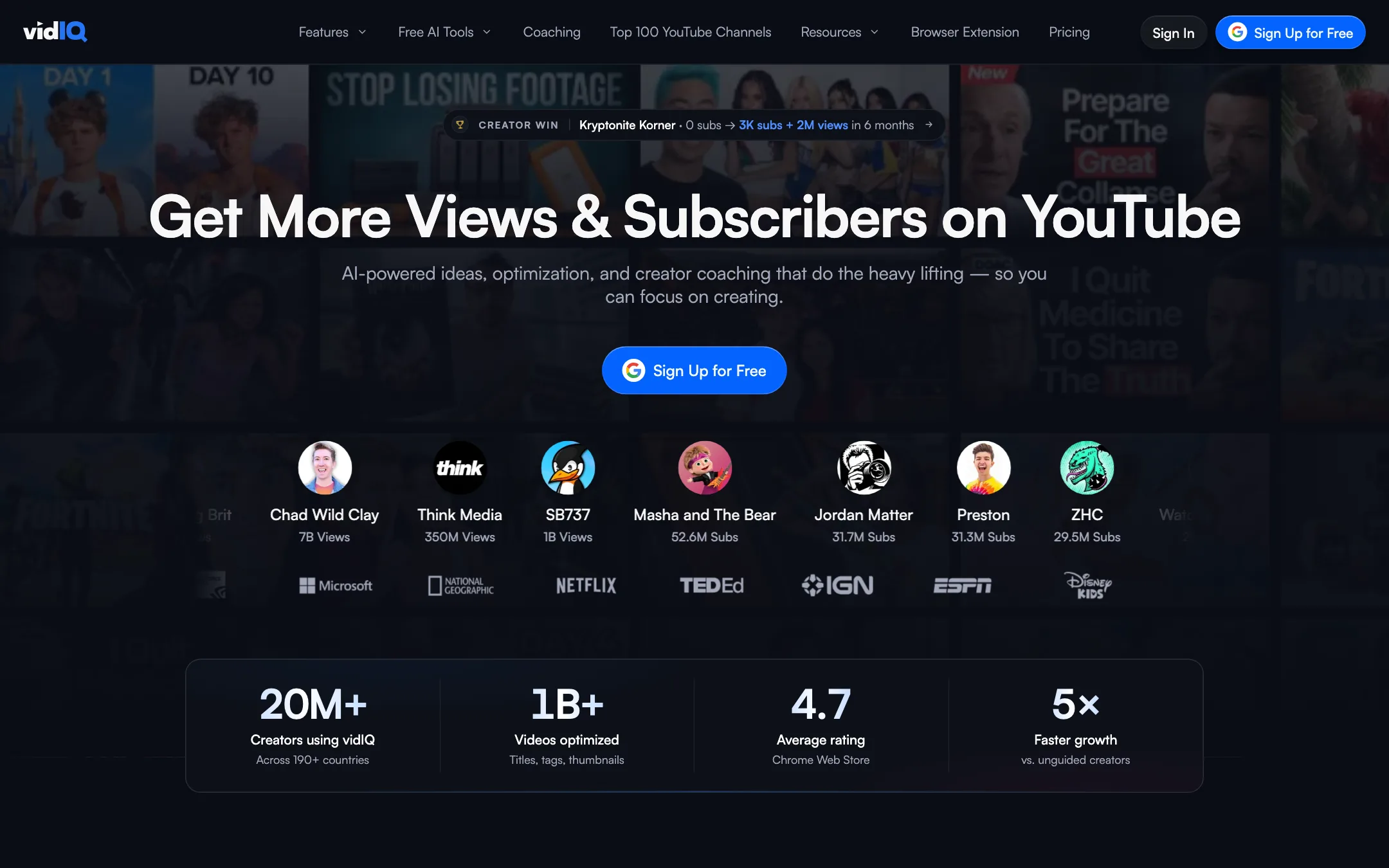
A YouTube growth toolkit for keywords, ideas and optimization, with an AI clipper that turns long videos into Shorts
Best for: YouTube creators who want keyword research, video ideas and upload optimization in one place, and would like to cut Shorts from their long videos without a second subscription.
The short answer
More creators choose VIDIO than vidIQ, and it ranks higher in our short-form clips list. Pick VIDIO if you want youtubers, streamers and podcasters who want one browser tool to rough-cut long recordings, pull shorts and highlights, caption them and schedule uploads. Pick vidIQ if you want youtube creators who want keyword research, video ideas and upload optimization in one place, and would like to cut shorts from their long videos without a second subscription.
VIDIO: A broad, creator-focused toolkit that goes well beyond clipping, with a usable free plan and handy XML export to desktop editors. The credit system is the catch. The entry plan's 20 credits do not stretch far once you use the heavier tools, so check the credit table before you upgrade.
vidIQ: The best-known YouTube growth toolkit, now with a built-in Shorts clipper. Buy it for the research and optimization tools. If clipping is your main job, a dedicated clip maker gives you more control, and vidIQ only publishes a clipping allowance for its top Max plan.
Specs side by side
| VIDIO | vidIQ | |
|---|---|---|
| Starting price | From $8/mo | From $16.58/mo |
| Free tier | ||
| Pricing | Free plan with watermarked exports and 10 AI messages a month. Paid plans from $8/mo billed yearly ($10 monthly) for 20 credits. | Free plan with 150 AI credits a month. Boost from $16.58/mo billed yearly ($19 monthly), Max from $39/mo yearly ($49 monthly). |
| Platforms | Web | Web, Chrome extension, iOS, Android |
| Best for | YouTubers, streamers and podcasters who want one browser tool to rough-cut long recordings, pull Shorts and highlights, caption them and schedule uploads. | YouTube creators who want keyword research, video ideas and upload optimization in one place, and would like to cut Shorts from their long videos without a second subscription. |
| Last checked | 2026-10-19 | 2026-10-19 |
Pricing
VIDIO
Free plan with watermarked exports and 10 AI messages a month. Paid plans from $8/mo billed yearly ($10 monthly) for 20 credits.
- BasicFree
- Pro 20$8/mo yearly · $10 monthly
- Business 400$40/mo yearly · $50 monthly
- Studio 2000$160/mo billed yearly ($1,920/yr)
vidIQ
Free plan with 150 AI credits a month. Boost from $16.58/mo billed yearly ($19 monthly), Max from $39/mo yearly ($49 monthly).
- Free$0
- Boost$16.58/mo yearly · $19 monthly
- Max$39/mo yearly · $49 monthly
- EnterpriseCustom
- 1-on-1 CoachingNot listed
Key features
VIDIO
- VibeEdit, a chat-based editor that changes the timeline from plain-language requests
- Auto edit that finds the best moments, cuts dead air and adds music and transitions
- Long video to vertical Shorts, TikToks and Reels with captions
- Stream highlights from Twitch or YouTube VODs
- Word-by-word animated captions in 40+ languages with SRT export
- Background removal and replacement without a green screen
- Face, bystander and license plate blurring
- Upscaling to 4K, stabilizing, sharpening, relighting and frame interpolation
- AI audit that scores a Short's hook and a video's title and thumbnail
- YouTube scheduler, AI metadata generator and best-time-to-post
- Creator analytics for YouTube, TikTok, Twitch and Spotify
- XML export to Premiere Pro, Final Cut Pro and DaVinci Resolve
vidIQ
- AI Shorts clipping from long YouTube videos, with auto-crop and captions
- Keyword research and competitor analysis
- Daily video ideas, outliers and trend alerts
- AI title, description and tag suggestions
- Thumbnail maker
- AI Coach for personalized growth advice
- Browser extension with SEO scores on every YouTube video page
- Best-time-to-post recommendations
- vidIQ MCP to use vidIQ data inside Claude, ChatGPT and other AI tools
- Instagram Reel ideas and scoring (newer)
Strengths and weaknesses
VIDIO
- Real free plan, no card needed to start
- Covers editing, Shorts, captions, cleanup and publishing in one place
- XML export lets you finish in your usual desktop editor
- Imports from YouTube, TikTok, Twitch and Instagram links and from cloud drives
- Privacy tools (face and plate blur) that most clip makers lack
- Pro plan is cheap on paper at $8 a month billed yearly
- Pro's 20 credits run out fast on heavier tools like background changing
- Free exports are watermarked and capped at 720p and 10-minute inputs
- Publishing tools focus on YouTube; scheduling to TikTok or Instagram is not advertised
- File size limits differ between the pricing page and tool FAQs (3 GB vs 1 to 16 GB)
- Very wide product means some tools get far less attention than others
- No desktop or mobile app
vidIQ
- Free plan and free browser extension with real value
- Combines research, optimization and clipping in one subscription
- Clipper is tied to your YouTube channel, so no uploads or downloads
- Extension puts data right on YouTube pages
- MCP access included on every plan, even Free
- Low price for Boost compared with buying separate tools
- Not a video generator or editor, so it cannot make videos from scratch
- The pricing page only gives a clipping allowance ("up to 11 hours") for Max
- Credits are shared across AI features, so heavy clipping competes with other tools
- Clip editing controls are thin next to dedicated clip makers, based on what vidIQ shows
- Built around YouTube; TikTok and Reels clips are an export target, not a focus
- Growth claims in testimonials are anecdotes, not guarantees
Try VIDIO
Free plan with watermarked exports and 10 AI messages a month. Paid plans from $8/mo billed yearly ($10 monthly) for 20 credits.
Try vidIQ
Free plan with 150 AI credits a month. Boost from $16.58/mo billed yearly ($19 monthly), Max from $39/mo yearly ($49 monthly).