Veo 4 (veo4.dev) vs I Have a Dream
Two text to video tools, side by side. Same test criteria, same honesty about what breaks.
Some links on this page are affiliate links. If you buy through them we may earn a commission at no extra cost to you. It never changes how we rank tools. Read our disclosure.

#4 of 10 in Text to video
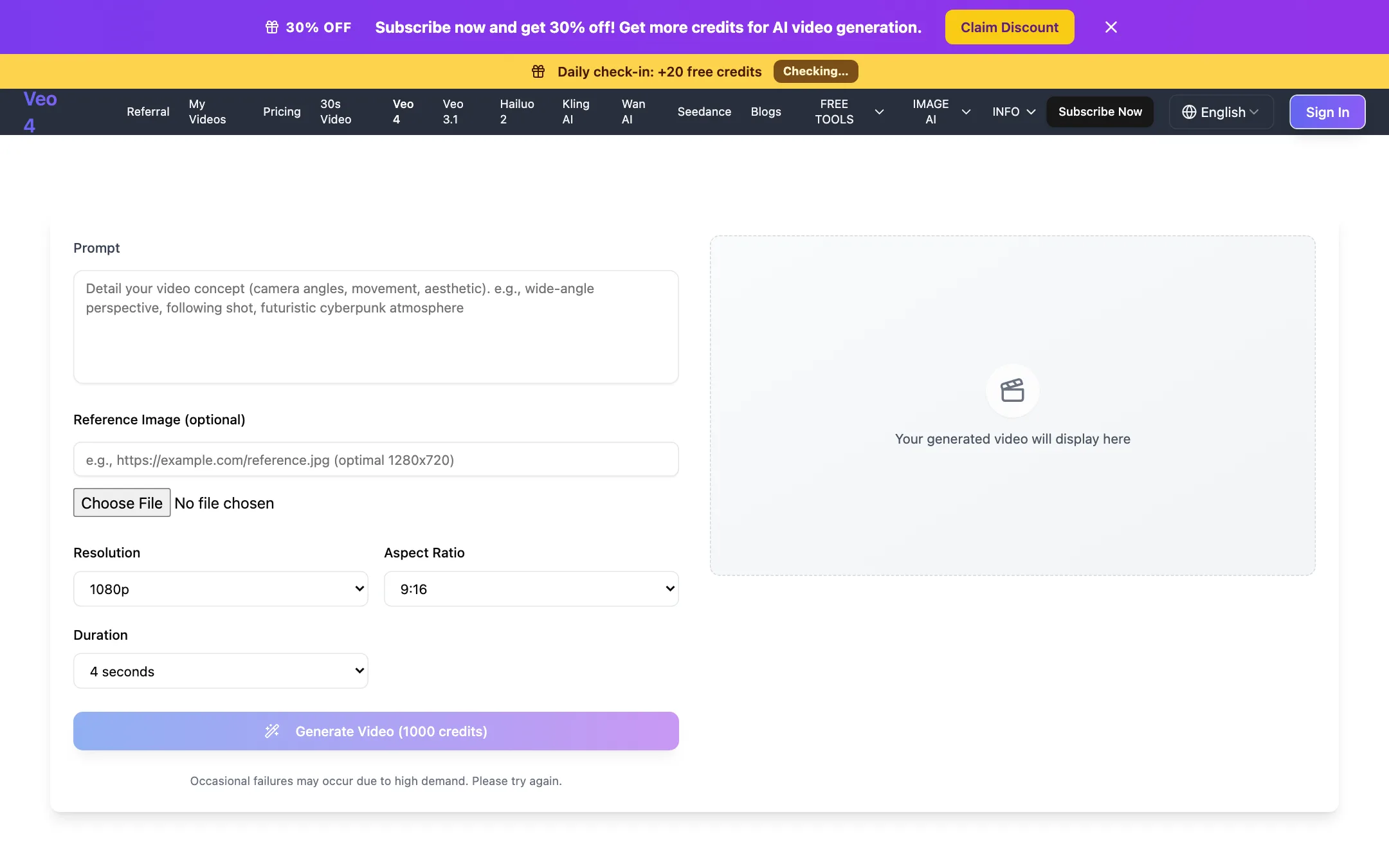
An independent web generator that sells Google Veo 3.1 Fast under a "Veo 4" label, plus Kling, Seedance, Hailuo and Wan
Best for: Budget-minded creators who want Veo 3.1 Fast and a few other big models in a simple browser form, and who understand they are buying through a reseller.

#6 of 10 in Text to video
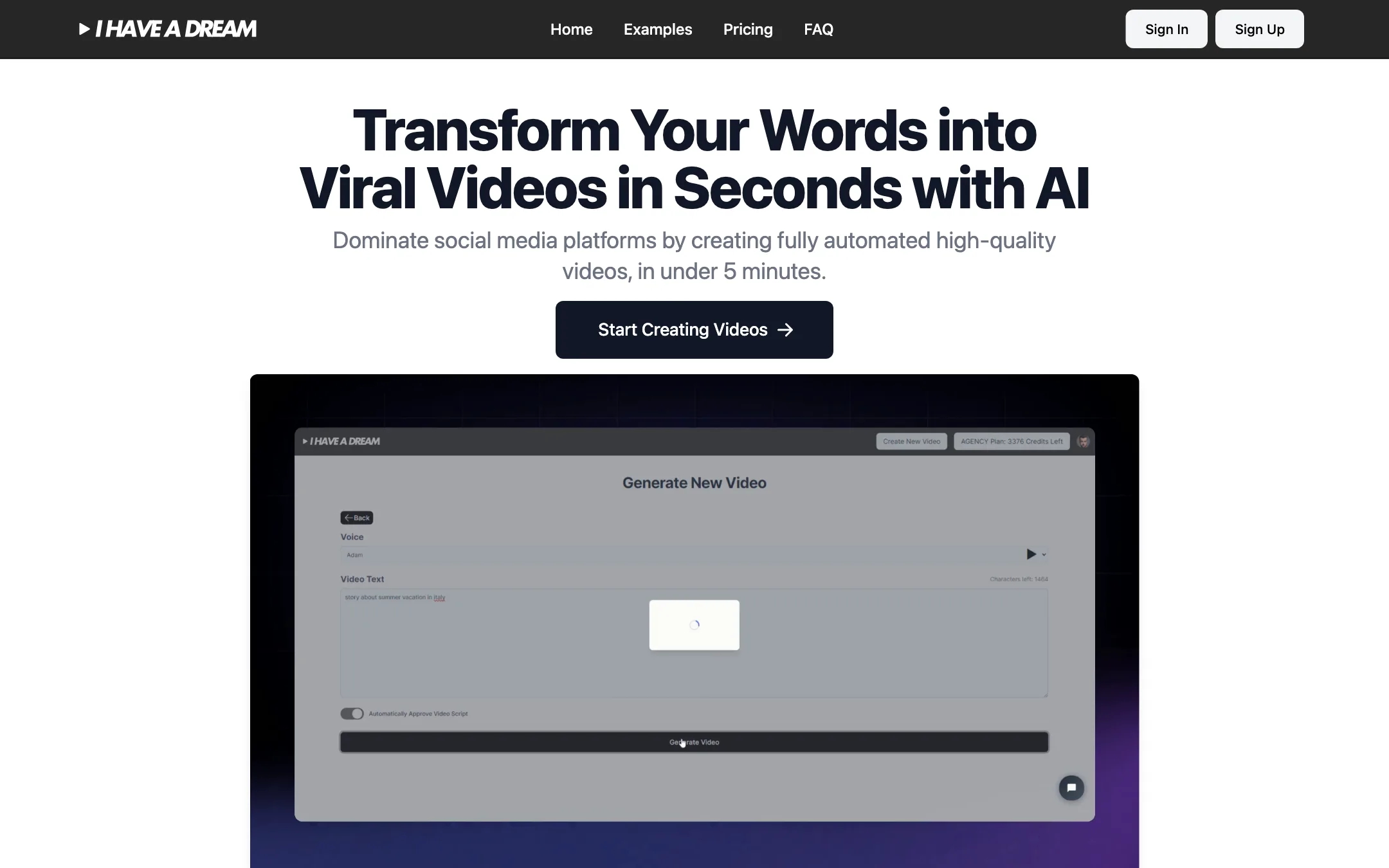
A faceless video generator that turns text or a link into a narrated short with AI images, voiceover and subtitles
Best for: Faceless TikTok, Reels and Shorts channels that want a narrated, captioned video from a few words with almost no editing.
The short answer
More creators choose Veo 4 (veo4.dev) than I Have a Dream, and it ranks higher in our text to video list. Pick Veo 4 (veo4.dev) if you want budget-minded creators who want veo 3.1 fast and a few other big models in a simple browser form, and who understand they are buying through a reseller. Pick I Have a Dream if you want faceless tiktok, reels and shorts channels that want a narrated, captioned video from a few words with almost no editing.
Veo 4 (veo4.dev): A simple, honest-about-itself reseller with a clean generator and fair credit refunds on failed jobs. The "Veo 4" name is a label for Google's Veo 3.1 Fast, not a new Google model, and refunds for anything else are close to impossible.
I Have a Dream: A simple, fully automated way to turn text into a narrated, illustrated short. It makes slideshow-style faceless videos, not generated motion footage, and there is no free version to test it first.
Specs side by side
| Veo 4 (veo4.dev) | I Have a Dream | |
|---|---|---|
| Starting price | From $19.99/mo | From $29/mo |
| Free tier | ||
| Pricing | One free 5-second 480p video for new users, plus 20 daily check-in credits. Paid plans from $19.99/mo billed yearly ($29.99 monthly). | No free version. Pro from $29/mo for 600 seconds of video, with the first month at half price. |
| Platforms | Web | Web |
| Best for | Budget-minded creators who want Veo 3.1 Fast and a few other big models in a simple browser form, and who understand they are buying through a reseller. | Faceless TikTok, Reels and Shorts channels that want a narrated, captioned video from a few words with almost no editing. |
| Last checked | 2026-10-19 | 2026-10-19 |
Pricing
Veo 4 (veo4.dev)
One free 5-second 480p video for new users, plus 20 daily check-in credits. Paid plans from $19.99/mo billed yearly ($29.99 monthly).
- Free$0
- Plus$19.99/mo yearly · $29.99 monthly
- Professional$34.99/mo yearly · $49.99 monthly
- Enterprise$69.99/mo yearly · $99.99 monthly
- Credits Pack$39.99 one-time
- CustomContact sales
I Have a Dream
No free version. Pro from $29/mo for 600 seconds of video, with the first month at half price.
- Pro$29/mo ($14.50 first month)
- Business$89/mo ($44.50 first month)
- Agency$179/mo ($89.50 first month)
Key features
Veo 4 (veo4.dev)
- "Veo 4" option that runs Google Veo 3.1 Fast: 4, 6 or 8 second clips at 720p or 1080p
- Also runs Veo 3.1, Kling 3.0, Kling 2.5 Turbo Pro, Seedance 2.0, Hailuo 2.3, Wan 2.6 and 3.0, MiniMax H3 and Happy Horse 1.0
- Text-to-video and image-to-video with an optional reference image
- 30-second video page powered by Wan 3.0 at 480p
- Credit cost shown on the Generate button before you start
- Failed generations refund their credits automatically
- Image tools including Flux generator and editor, photo restore, headshots and text removal
- Site in 10 languages
I Have a Dream
- Turns raw text, a sentence or a link into a full video script
- Generates the images automatically with a choice of three models and twenty styles
- AI voiceover in more than 30 languages
- Auto-generated subtitles with custom colours and fonts
- Five formats (1:1, 2:3, 4:5, 9:16 and 16:9)
- Three length options from 30 seconds to 2 minutes
- Watermark-free MP4 export and shareable video links
- Failed generations are re-credited automatically
Strengths and weaknesses
Veo 4 (veo4.dev)
- Says plainly that "Veo 4" is Google's Veo 3.1 Fast, not a new Google model
- Credit cost is visible before you generate
- Failed jobs refund their credits
- One free video lets you see the workflow before paying
- Yearly plans are about 30% cheaper than monthly
- Credits pack for people who do not want a subscription
- The name invites confusion with Google's own Veo models
- The free video uses a small Lite model at 480p, not Veo
- A default Veo 4 clip costs 1,000 credits, so Plus covers roughly 20 clips a month
- Refunds only for major outages or defects, never for change of mind
- Small one-person operation, with limited public information about the company
I Have a Dream
- Very simple, text in and finished video out
- Simple credit math, one credit per second of video
- No watermark on any plan
- Covers every major social format
- 7-day refund window for unused credits
- No free version or trial credits
- Output is AI images with voiceover, not generated video motion
- Videos are capped at 2 minutes
- Pro's 600 seconds is only about ten one-minute videos a month
- FAQ pricing example is out of date with the pricing page
- Little public detail on which image and voice models it uses
Try Veo 4 (veo4.dev)
One free 5-second 480p video for new users, plus 20 daily check-in credits. Paid plans from $19.99/mo billed yearly ($29.99 monthly).
Try I Have a Dream
No free version. Pro from $29/mo for 600 seconds of video, with the first month at half price.