Steve AI vs Videomagic
Two text to video tools, side by side. Same test criteria, same honesty about what breaks.
Some links on this page are affiliate links. If you buy through them we may earn a commission at no extra cost to you. It never changes how we rank tools. Read our disclosure.

#2 of 10 in Text to video
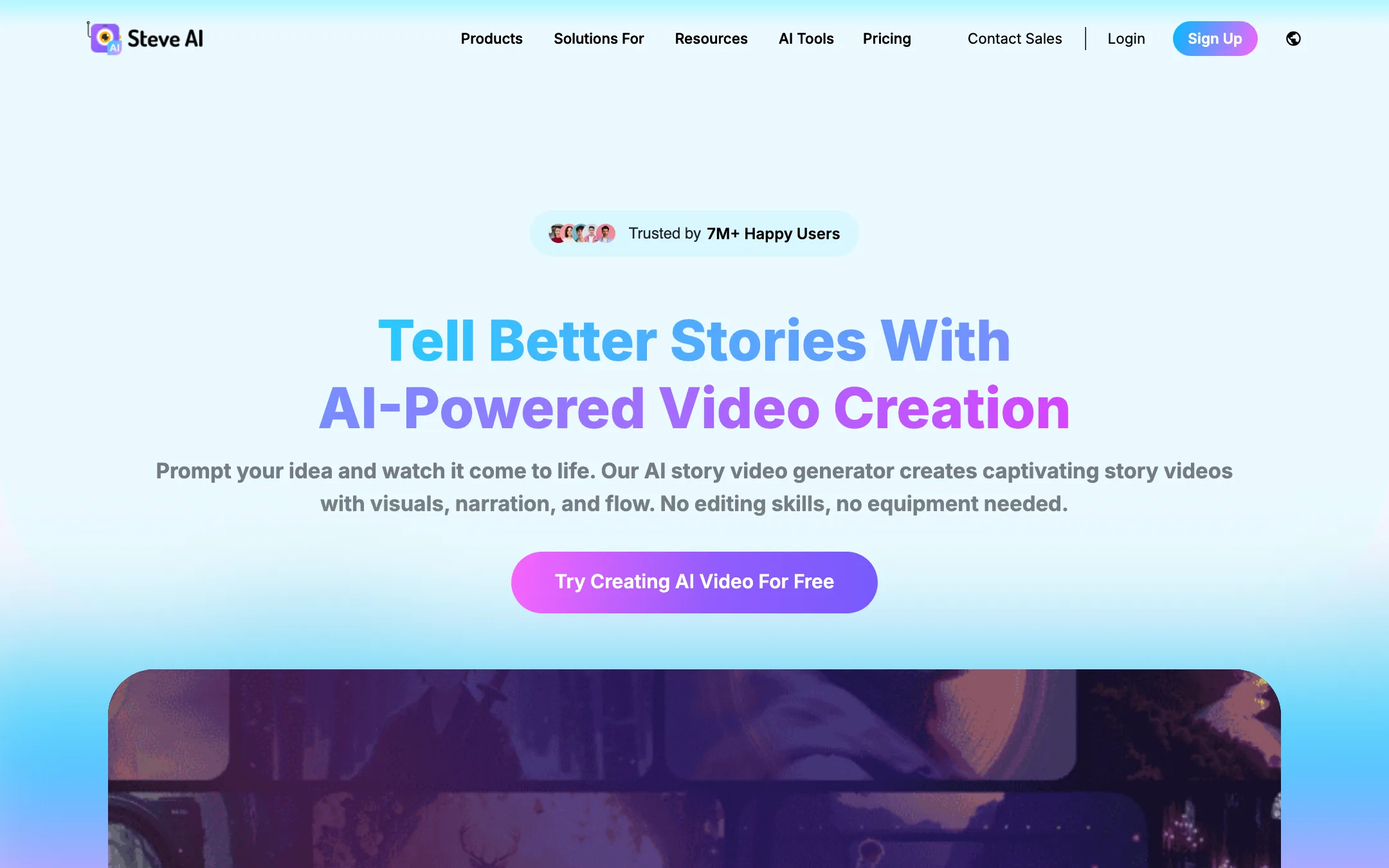
Prompt, script, blog or audio to finished video, in animated, stock or generative styles, from the makers of Animaker
Best for: Faceless YouTube channels, teachers and marketers who want a script or blog turned into a narrated, animated or stock-footage video without editing skills.

#8 of 10 in Text to video
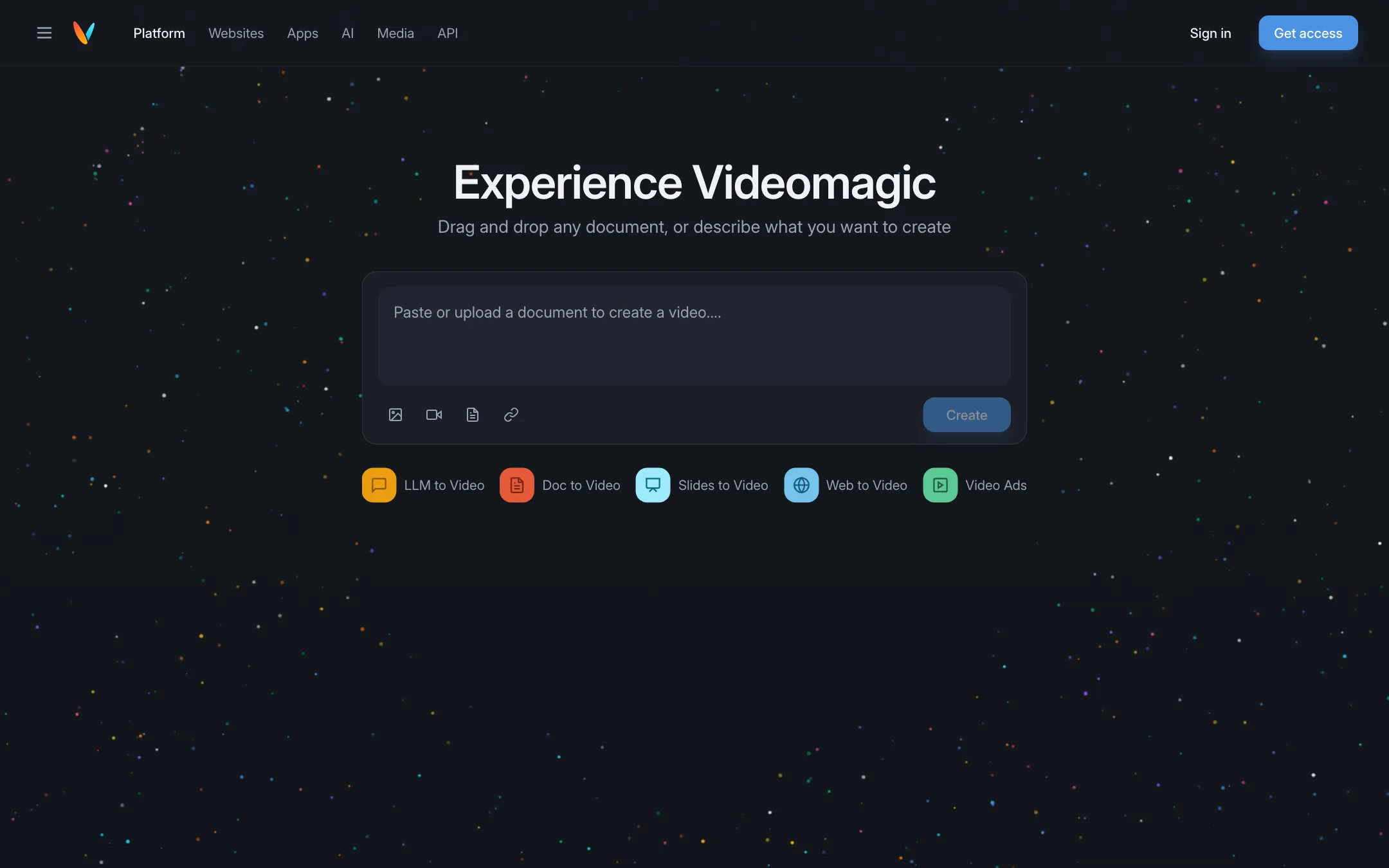
Turns documents, slides, web pages and AI chat answers into short narrated explainer videos you can question afterwards
Best for: Marketers, educators and teams who want to turn written material such as product pages, reports and slide decks into short narrated explainers.
The short answer
More creators choose Steve AI than Videomagic, and it ranks higher in our text to video list. Pick Steve AI if you want faceless youtube channels, teachers and marketers who want a script or blog turned into a narrated, animated or stock-footage video without editing skills. Pick Videomagic if you want marketers, educators and teams who want to turn written material such as product pages, reports and slide decks into short narrated explainers.
Steve AI: A broad, beginner-friendly script-to-video studio with lots of styles and generous video minutes for the price. The catch is that "minutes of AI video" and "generative credits" are different things, and true generative AI footage is limited to 2 minutes a month until the $99 plan.
Videomagic: Videomagic is not a cinematic text-to-video generator. It is a document-to-explainer tool with a clever "ask why" chat on top. Useful if you have content to explain, expensive next to clip generators, and there is no free plan.
Specs side by side
| Steve AI | Videomagic | |
|---|---|---|
| Starting price | From $19/mo | From $39/mo |
| Free tier | ||
| Pricing | Free plan with 1,200 seconds of AI video. Paid plans from $19/mo billed yearly ($29 monthly). | No free plan. 15-day free trial (card required). Paid plans from $39/mo billed yearly ($49 monthly). |
| Platforms | Web, iOS, Android | Web, Chrome extension, API |
| Best for | Faceless YouTube channels, teachers and marketers who want a script or blog turned into a narrated, animated or stock-footage video without editing skills. | Marketers, educators and teams who want to turn written material such as product pages, reports and slide decks into short narrated explainers. |
| Last checked | 2026-10-19 | 2026-10-19 |
Pricing
Steve AI
Free plan with 1,200 seconds of AI video. Paid plans from $19/mo billed yearly ($29 monthly).
- Free$0
- Starter$19/mo yearly · $29 monthly
- Pro$39/mo yearly · $59 monthly
- Generative AI$99/mo yearly · $129 monthly
- EnterpriseCustom
Videomagic
No free plan. 15-day free trial (card required). Paid plans from $39/mo billed yearly ($49 monthly).
- Ignite$39/mo yearly · $49 monthly
- Blaze$79/mo yearly · $99 monthly
- Inferno$500/mo, monthly only
Key features
Steve AI
- Prompt, script, blog/URL, audio and image to video
- Seven-plus output styles including animation, stock live action and generative AI
- 300+ 2D animated characters and talking-head avatars
- Multi-voice AI narration for dialogue-style videos
- Scene-level editing with swaps and reordering before render
- 140M+ Getty stock assets according to Steve AI
- AI motion effects, camera moves and kinetic text
- ClipMaker for short animated clips from a tweet, image or blog
- Video translator for 10+ languages
- Access to third-party generative models such as Veo and Kling through generative credits
Videomagic
- Create a video from a URL, an uploaded document, slides or pasted text
- Modes for LLM to Video, Doc to Video, Slides to Video, Web to Video and Video Ads
- Narrated output split into chapters such as intro, key points, deep dive and summary
- Ask Why chat that answers questions grounded in the source document
- Chrome extension that turns answers from ChatGPT, Claude, Gemini and other AI tools into video
- Embeddable videos and a chat assistant for websites, with viewer analytics
- Vision, a separate scene search engine for media libraries
- Enterprise API that can run inside your own AWS or GCP account
- Minute-based billing with rollover on self-serve plans
Strengths and weaknesses
Steve AI
- Real free plan to try the whole flow
- Many inputs, from prompt and script to blog link, audio or image
- Animated, stock and generative styles in one tool
- Generous video minutes on the paid plans
- Built by Animaker, a long-running video company
- Web plus iOS and Android apps
- Generative AI footage is capped at 120 seconds a month on Starter and Pro
- Plan names and allowances (minutes, credits, power-ups, FlexiCredits) are confusing
- The homepage and pricing page disagree on Pro's voice tier
- Animated and stock styles look template-driven rather than custom
- Monthly billing costs about 50% more than yearly
Videomagic
- Starts from content you already have, not from a prompt
- Chat over the source makes explainers easier to trust and check
- Minutes roll over for up to a year on Ignite and Blaze
- Clear per-minute overage prices
- Done-for-you custom video option with 48-hour delivery
- Not a generator for cinematic or creative clips
- No free plan, and the trial needs a card
- Expensive per minute compared with credit-based generators
- App plugin pricing is "coming soon" and website embedding is quote-only
- Free downgrades are no longer offered, you can only deactivate
- Few public examples or output samples to judge quality before paying
Try Steve AI
Free plan with 1,200 seconds of AI video. Paid plans from $19/mo billed yearly ($29 monthly).
Try Videomagic
No free plan. 15-day free trial (card required). Paid plans from $39/mo billed yearly ($49 monthly).