Steve AI vs MagicLight
Two text to video tools, side by side. Same test criteria, same honesty about what breaks.
Some links on this page are affiliate links. If you buy through them we may earn a commission at no extra cost to you. It never changes how we rank tools. Read our disclosure.

#2 of 10 in Text to video
Prompt, script, blog or audio to finished video, in animated, stock or generative styles, from the makers of Animaker
Best for: Faceless YouTube channels, teachers and marketers who want a script or blog turned into a narrated, animated or stock-footage video without editing skills.

#5 of 10 in Text to video
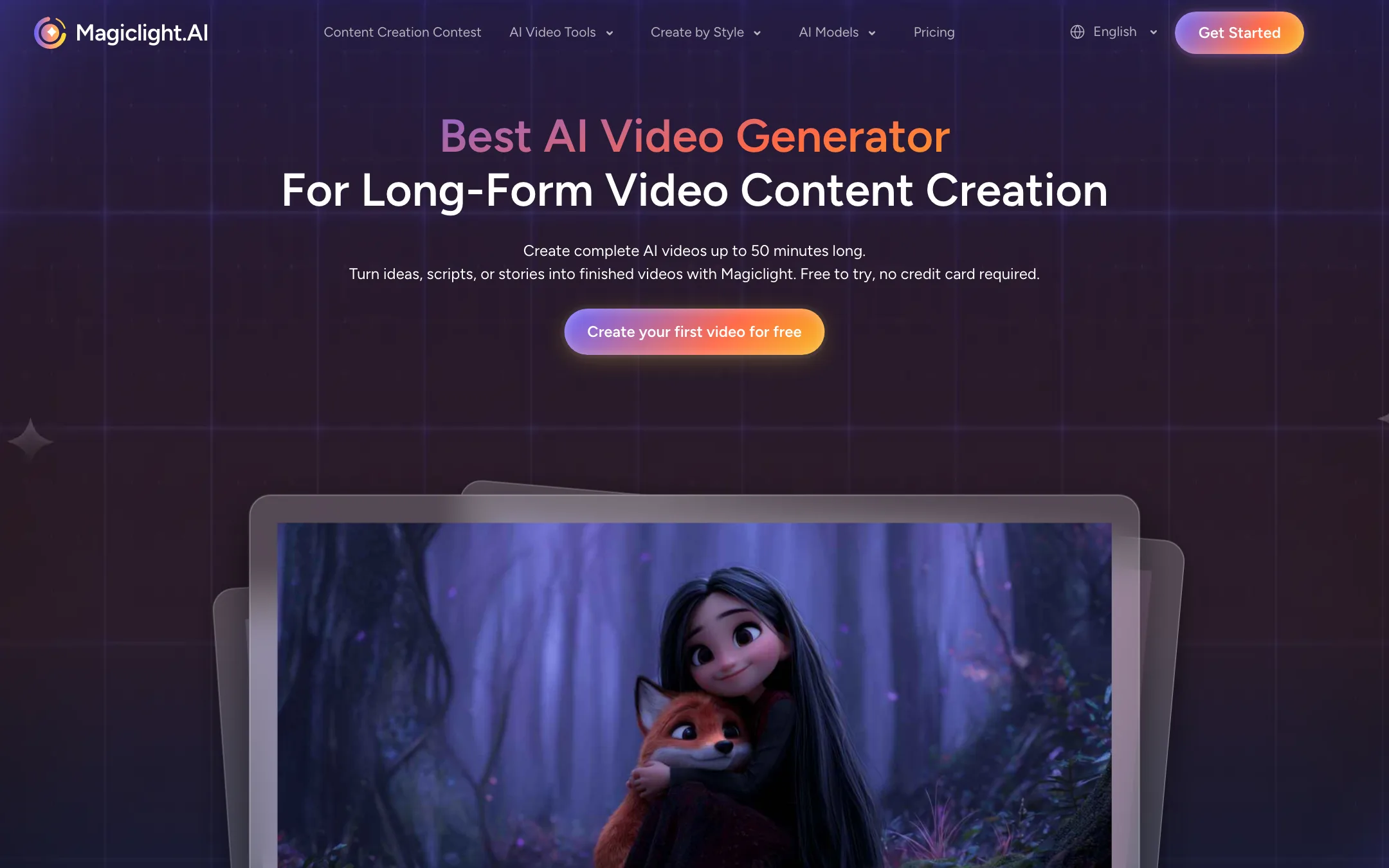
A story-first AI video studio that turns scripts into long, multi-scene animated videos with consistent characters
Best for: Storytellers, kids' channels, faith and education creators who want full narrated story videos with the same characters in every scene.
The short answer
More creators choose Steve AI than MagicLight, and it ranks higher in our text to video list. Pick Steve AI if you want faceless youtube channels, teachers and marketers who want a script or blog turned into a narrated, animated or stock-footage video without editing skills. Pick MagicLight if you want storytellers, kids' channels, faith and education creators who want full narrated story videos with the same characters in every scene.
Steve AI: A broad, beginner-friendly script-to-video studio with lots of styles and generous video minutes for the price. The catch is that "minutes of AI video" and "generative credits" are different things, and true generative AI footage is limited to 2 minutes a month until the $99 plan.
MagicLight: The most purpose-built tool here for long, narrated story videos. Characters, scenes, voice and captions come out of one workflow. It is not a raw cinematic generator, and its marketing numbers and testimonials deserve some skepticism.
Specs side by side
| Steve AI | MagicLight | |
|---|---|---|
| Starting price | From $19/mo | From $7.5/mo |
| Free tier | ||
| Pricing | Free plan with 1,200 seconds of AI video. Paid plans from $19/mo billed yearly ($29 monthly). | Free trial credits, no card needed. Paid plans from $7.50/mo billed yearly ($15 monthly). |
| Platforms | Web, iOS, Android | Web, iOS, Android |
| Best for | Faceless YouTube channels, teachers and marketers who want a script or blog turned into a narrated, animated or stock-footage video without editing skills. | Storytellers, kids' channels, faith and education creators who want full narrated story videos with the same characters in every scene. |
| Last checked | 2026-10-19 | 2026-10-19 |
Pricing
Steve AI
Free plan with 1,200 seconds of AI video. Paid plans from $19/mo billed yearly ($29 monthly).
- Free$0
- Starter$19/mo yearly · $29 monthly
- Pro$39/mo yearly · $59 monthly
- Generative AI$99/mo yearly · $129 monthly
- EnterpriseCustom
MagicLight
Free trial credits, no card needed. Paid plans from $7.50/mo billed yearly ($15 monthly).
- Free trialFree
- Standard$7.50/mo yearly · $15 monthly
- Plus$14/mo yearly · $28 monthly
- Pro$22/mo yearly · $44 monthly
- Ultra$45/mo yearly · $90 monthly
- Ultimate$75/mo yearly · $150 monthly
Key features
Steve AI
- Prompt, script, blog/URL, audio and image to video
- Seven-plus output styles including animation, stock live action and generative AI
- 300+ 2D animated characters and talking-head avatars
- Multi-voice AI narration for dialogue-style videos
- Scene-level editing with swaps and reordering before render
- 140M+ Getty stock assets according to Steve AI
- AI motion effects, camera moves and kinetic text
- ClipMaker for short animated clips from a tweet, image or blog
- Video translator for 10+ languages
- Access to third-party generative models such as Veo and Kling through generative credits
MagicLight
- Story and script to video from up to 12,000 characters of text
- Videos up to 50 minutes long, split into scenes automatically
- Character profiles that keep a character's look consistent across scenes
- Storyboard editor to change positions, camera angles and expressions before rendering
- 20+ visual styles including realistic, 3D cartoon, anime, picture book and Pixar- or Disney-inspired looks
- Story templates for kids' stories, faith lessons, explainers, comedy and history
- Access to third-party models such as Seedance 2.5, Kling 3.0, Veo, Sora 2, Hailuo and Wan
- 37 voice options, voice cloning and lip sync
- Auto subtitles with 16 caption styles, 30 languages
- Image to video and music to video tools
Strengths and weaknesses
Steve AI
- Real free plan to try the whole flow
- Many inputs, from prompt and script to blog link, audio or image
- Animated, stock and generative styles in one tool
- Generous video minutes on the paid plans
- Built by Animaker, a long-running video company
- Web plus iOS and Android apps
- Generative AI footage is capped at 120 seconds a month on Starter and Pro
- Plan names and allowances (minutes, credits, power-ups, FlexiCredits) are confusing
- The homepage and pricing page disagree on Pro's voice tier
- Animated and stock styles look template-driven rather than custom
- Monthly billing costs about 50% more than yearly
MagicLight
- Built for long, multi-scene stories rather than single clips
- Character consistency is a core feature, not an add-on
- Free trial with no card required
- Yearly plans are cheap during the current 50% offer
- Voice, captions and lip sync in the same workflow
- Apps on iOS and Android
- Credit math is opaque, and minutes per plan are vendor estimates
- Monthly plans give far fewer credits than yearly plans
- Used credits are never refunded
- Several homepage testimonials repeat the same text under different names
- User counts differ between the homepage and the About page
- Not the right tool for photoreal, single-shot cinematic clips
Try Steve AI
Free plan with 1,200 seconds of AI video. Paid plans from $19/mo billed yearly ($29 monthly).
Try MagicLight
Free trial credits, no card needed. Paid plans from $7.50/mo billed yearly ($15 monthly).