RenderLion vs Cliplama
Two short-form clips tools, side by side. Same test criteria, same honesty about what breaks.
Some links on this page are affiliate links. If you buy through them we may earn a commission at no extra cost to you. It never changes how we rank tools. Read our disclosure.

#2 of 11 in Short-form clips
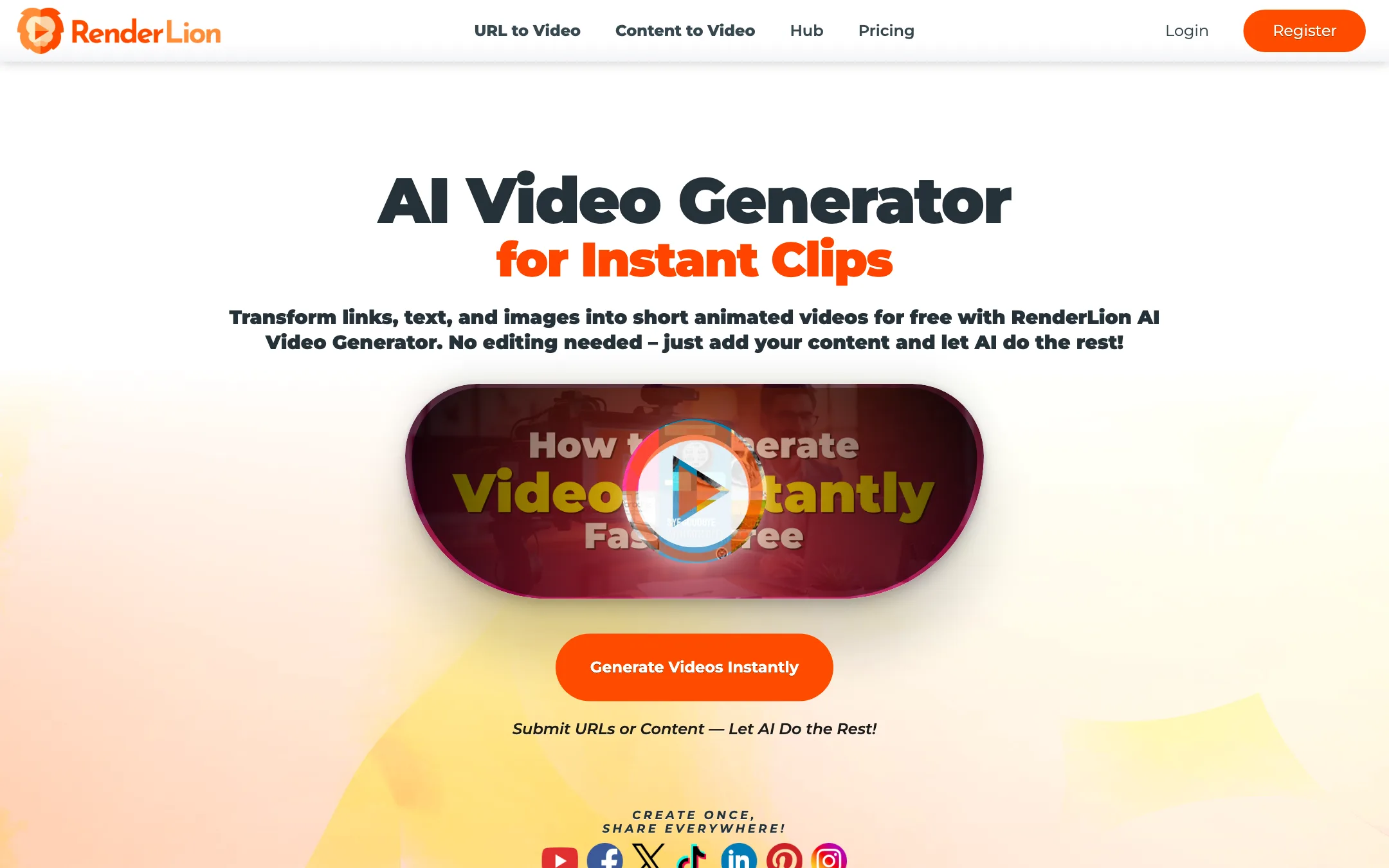
Turns a link, a block of text or a few images into a short animated social video in square, portrait and landscape, with cheap flat-rate plans
Best for: Small businesses, shops and social media managers who want quick branded promo clips from existing content like blog posts, product pages and offers, without touching a timeline.

#6 of 11 in Short-form clips
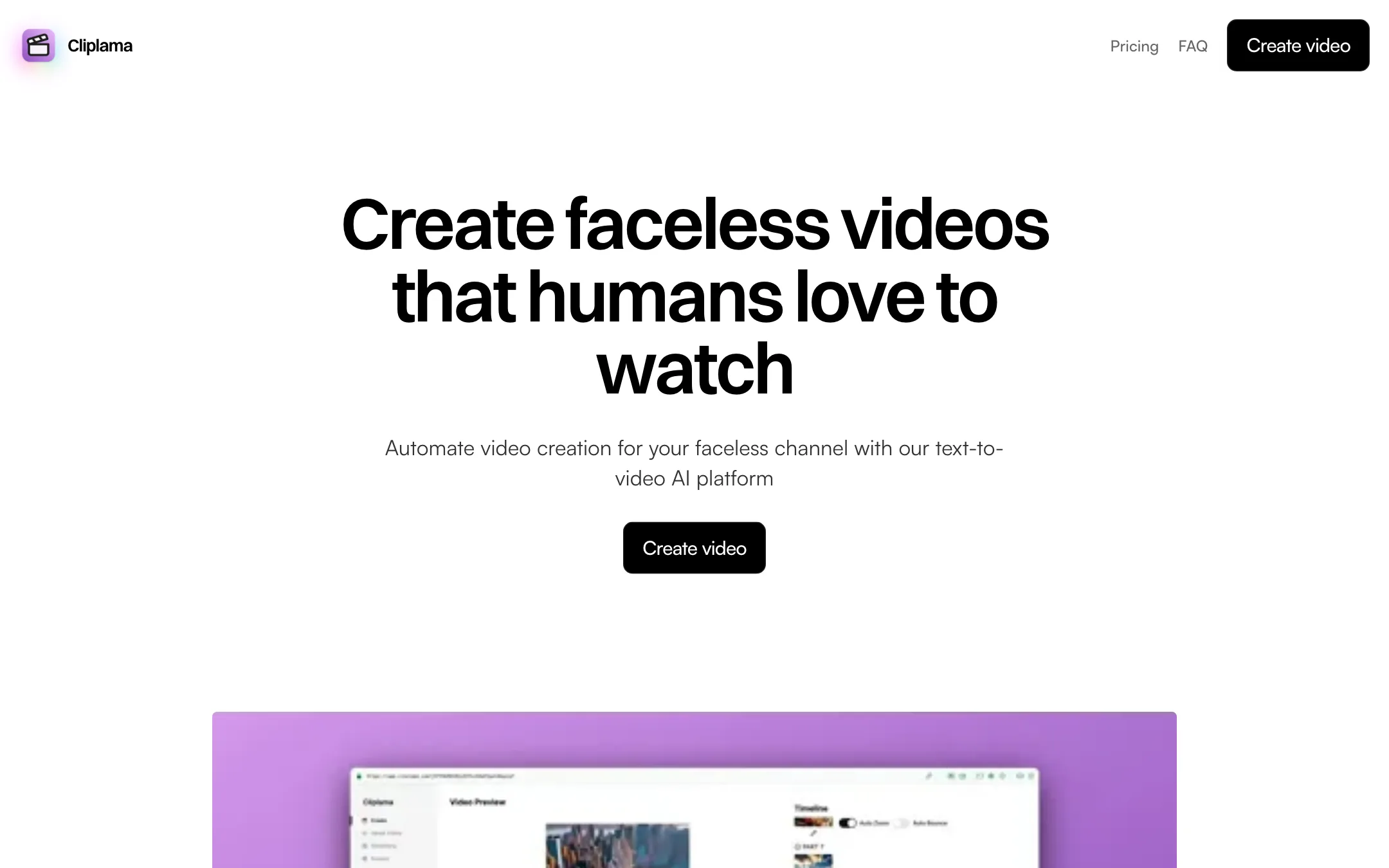
A small, simple faceless video generator that turns a text description into a narrated short with images, music and captions, then schedules it to TikTok
Best for: Beginners who want to try a faceless TikTok channel with almost no setup and do not need much creative control.
The short answer
More creators choose RenderLion than Cliplama, and it ranks higher in our short-form clips list. Pick RenderLion if you want small businesses, shops and social media managers who want quick branded promo clips from existing content like blog posts, product pages and offers, without touching a timeline. Pick Cliplama if you want beginners who want to try a faceless tiktok channel with almost no setup and do not need much creative control.
RenderLion: A simple, inexpensive way to turn links and short text into animated social clips in three sizes at once. It is a template-style animation tool, not a generative video model, so expect motion graphics over stock images rather than cinematic footage. Check that the visuals it picks actually match your content.
Cliplama: Cliplama is easy to understand and has a free preview video to test with. It is also a small product with few controls, TikTok-only scheduling, YouTube still marked "soon," and signs that it is updated less often than its rivals.
Specs side by side
| RenderLion | Cliplama | |
|---|---|---|
| Starting price | From $6/mo | From $11.67/mo |
| Free tier | ||
| Pricing | Free plan with limited, watermarked 720p renders. Paid plans from $6/mo billed yearly ($12 monthly). | Free plan with 1 watermarked video and no download. Paid plans from $19/mo, or $140/yr for Basic. Credit packs from $19. |
| Platforms | Web | Web |
| Best for | Small businesses, shops and social media managers who want quick branded promo clips from existing content like blog posts, product pages and offers, without touching a timeline. | Beginners who want to try a faceless TikTok channel with almost no setup and do not need much creative control. |
| Last checked | 2026-10-19 | 2026-10-19 |
Pricing
RenderLion
Free plan with limited, watermarked 720p renders. Paid plans from $6/mo billed yearly ($12 monthly).
- FreeFree
- Starter$6/mo yearly · $12 monthly
- Growth$18/mo yearly · $36 monthly
- EnterpriseCustom
Cliplama
Free plan with 1 watermarked video and no download. Paid plans from $19/mo, or $140/yr for Basic. Credit packs from $19.
- FreeFree
- Basic$19/mo · $140/yr
- Creator$39/mo · $360/yr
- Pro$59/mo · $540/yr
- Credit packs$19 to $59
Key features
RenderLion
- URL to Video that reads a web page and builds a short animated clip
- Content to Video from a prompt or pasted text
- Purpose-built generators for offers, products, news, blog posts, job posts, events and property listings
- Images to Video slideshows from your photos
- Animated logo and animated wallpaper makers
- Every video in 1:1, 9:16 and 16:9 from one render
- Brand presets with your logo, colors and fonts
- AI voiceovers, music library and free stock photos and illustrations
- Batch of animated previews to choose from before rendering
- Reuse a past video with new data
Cliplama
- Text-to-video from a short description or your own script
- AI images, GIFs, background music, transitions and captions in each video
- ElevenLabs voices on Creator and Pro
- Short (up to 1 min), medium (2 to 3 min) and long (4 to 6 min) videos
- Light editing of text, text position and animation, plus image regeneration
- Scheduling to TikTok up to a week ahead, YouTube listed as coming soon
- Auto Shorts for recurring videos on Creator and Pro
- Subscriptions or one-time credit packs
Strengths and weaknesses
RenderLion
- Very low entry price, from $6 a month billed yearly
- Growth plan has unlimited renders at a flat price
- One render gives you square, portrait and landscape versions
- No editing skills needed; input is a link or text
- Brand kits keep logos, colors and fonts consistent
- 25% lifetime affiliate rate and a 7-day refund window
- Template-style motion graphics, not generative AI footage
- Stock visuals can miss the point of your content (see our note on the public sample)
- Free renders are watermarked, 720p and limited by server availability
- Downloading even a free video requires an account
- Starter caps renders (10 a month or 120 a year) and they do not roll over
- Refund terms read differently on the pricing table and in the FAQ
Cliplama
- Free video with no credit card required, enough to see the format
- Very simple flow: describe, pick a voice, generate
- Credits cover longer videos too, not just one-minute shorts
- One-time credit packs if you do not want a subscription
- Yearly billing saves up to five months on Basic
- ElevenLabs voices and Auto Shorts from the $39 Creator plan
- Scheduling only works with TikTok, and YouTube has been "coming soon" on the site
- Editing is limited to text, positions, animations and image regeneration
- The free video is watermarked and cannot be downloaded, so it is a preview only
- Small team with Gmail-based support, and a blog last updated in 2024
- No published refund policy
- Basic leaves out ElevenLabs voices and Auto Shorts, so the cheapest plan is not the full product
Try RenderLion
Free plan with limited, watermarked 720p renders. Paid plans from $6/mo billed yearly ($12 monthly).
Try Cliplama
Free plan with 1 watermarked video and no download. Paid plans from $19/mo, or $140/yr for Basic. Credit packs from $19.