Cliplama vs VIDIO
Two short-form clips tools, side by side. Same test criteria, same honesty about what breaks.
Some links on this page are affiliate links. If you buy through them we may earn a commission at no extra cost to you. It never changes how we rank tools. Read our disclosure.

#6 of 11 in Short-form clips
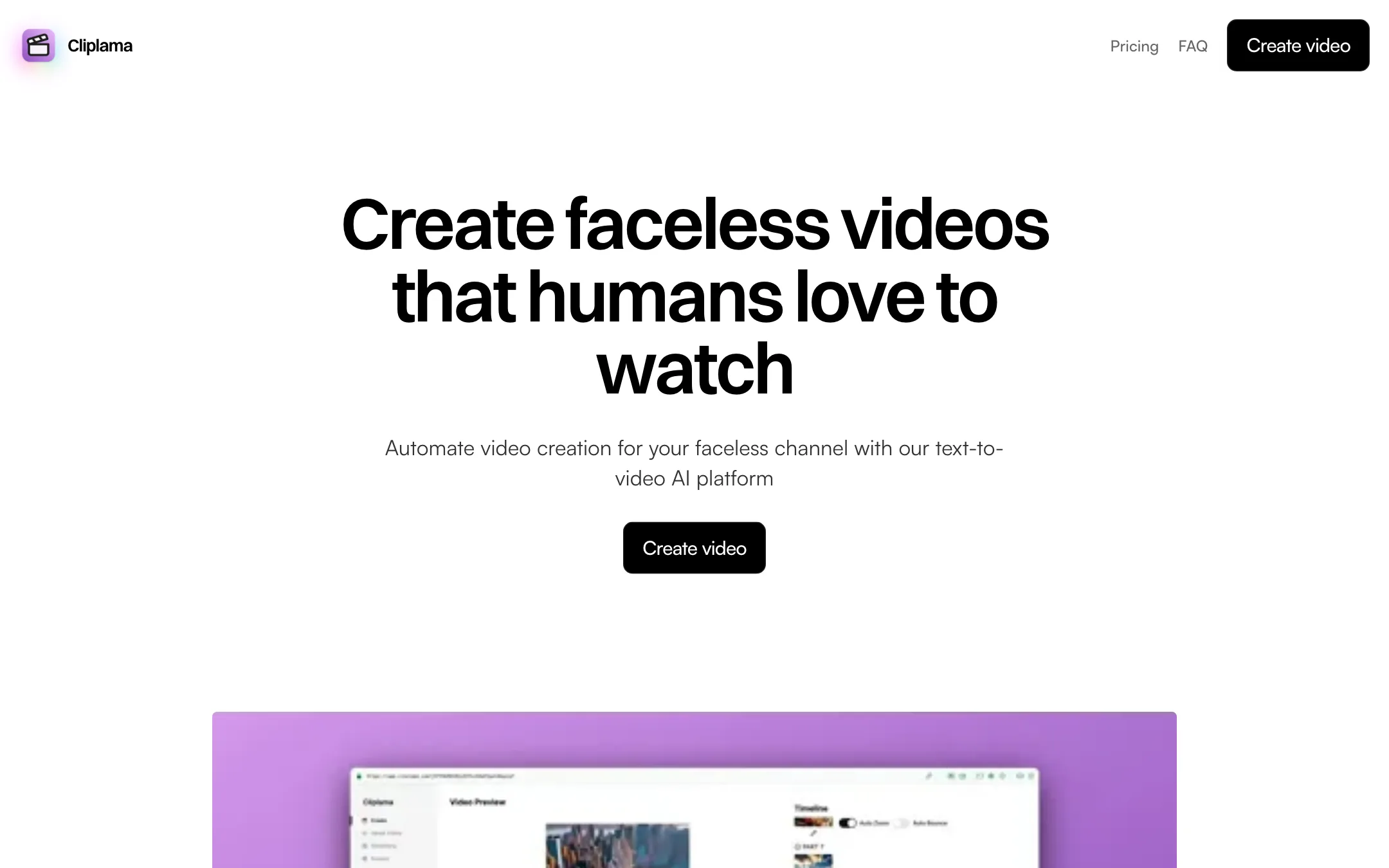
A small, simple faceless video generator that turns a text description into a narrated short with images, music and captions, then schedules it to TikTok
Best for: Beginners who want to try a faceless TikTok channel with almost no setup and do not need much creative control.
#7 of 11 in Short-form clips

A browser-based AI editor for YouTubers, streamers and podcasters that cuts long recordings into Shorts, captions them, and helps you package and schedule uploads
Best for: YouTubers, streamers and podcasters who want one browser tool to rough-cut long recordings, pull Shorts and highlights, caption them and schedule uploads.
The short answer
More creators choose Cliplama than VIDIO, and it ranks higher in our short-form clips list. Pick Cliplama if you want beginners who want to try a faceless tiktok channel with almost no setup and do not need much creative control. Pick VIDIO if you want youtubers, streamers and podcasters who want one browser tool to rough-cut long recordings, pull shorts and highlights, caption them and schedule uploads.
Cliplama: Cliplama is easy to understand and has a free preview video to test with. It is also a small product with few controls, TikTok-only scheduling, YouTube still marked "soon," and signs that it is updated less often than its rivals.
VIDIO: A broad, creator-focused toolkit that goes well beyond clipping, with a usable free plan and handy XML export to desktop editors. The credit system is the catch. The entry plan's 20 credits do not stretch far once you use the heavier tools, so check the credit table before you upgrade.
Specs side by side
| Cliplama | VIDIO | |
|---|---|---|
| Starting price | From $11.67/mo | From $8/mo |
| Free tier | ||
| Pricing | Free plan with 1 watermarked video and no download. Paid plans from $19/mo, or $140/yr for Basic. Credit packs from $19. | Free plan with watermarked exports and 10 AI messages a month. Paid plans from $8/mo billed yearly ($10 monthly) for 20 credits. |
| Platforms | Web | Web |
| Best for | Beginners who want to try a faceless TikTok channel with almost no setup and do not need much creative control. | YouTubers, streamers and podcasters who want one browser tool to rough-cut long recordings, pull Shorts and highlights, caption them and schedule uploads. |
| Last checked | 2026-10-19 | 2026-10-19 |
Pricing
Cliplama
Free plan with 1 watermarked video and no download. Paid plans from $19/mo, or $140/yr for Basic. Credit packs from $19.
- FreeFree
- Basic$19/mo · $140/yr
- Creator$39/mo · $360/yr
- Pro$59/mo · $540/yr
- Credit packs$19 to $59
VIDIO
Free plan with watermarked exports and 10 AI messages a month. Paid plans from $8/mo billed yearly ($10 monthly) for 20 credits.
- BasicFree
- Pro 20$8/mo yearly · $10 monthly
- Business 400$40/mo yearly · $50 monthly
- Studio 2000$160/mo billed yearly ($1,920/yr)
Key features
Cliplama
- Text-to-video from a short description or your own script
- AI images, GIFs, background music, transitions and captions in each video
- ElevenLabs voices on Creator and Pro
- Short (up to 1 min), medium (2 to 3 min) and long (4 to 6 min) videos
- Light editing of text, text position and animation, plus image regeneration
- Scheduling to TikTok up to a week ahead, YouTube listed as coming soon
- Auto Shorts for recurring videos on Creator and Pro
- Subscriptions or one-time credit packs
VIDIO
- VibeEdit, a chat-based editor that changes the timeline from plain-language requests
- Auto edit that finds the best moments, cuts dead air and adds music and transitions
- Long video to vertical Shorts, TikToks and Reels with captions
- Stream highlights from Twitch or YouTube VODs
- Word-by-word animated captions in 40+ languages with SRT export
- Background removal and replacement without a green screen
- Face, bystander and license plate blurring
- Upscaling to 4K, stabilizing, sharpening, relighting and frame interpolation
- AI audit that scores a Short's hook and a video's title and thumbnail
- YouTube scheduler, AI metadata generator and best-time-to-post
- Creator analytics for YouTube, TikTok, Twitch and Spotify
- XML export to Premiere Pro, Final Cut Pro and DaVinci Resolve
Strengths and weaknesses
Cliplama
- Free video with no credit card required, enough to see the format
- Very simple flow: describe, pick a voice, generate
- Credits cover longer videos too, not just one-minute shorts
- One-time credit packs if you do not want a subscription
- Yearly billing saves up to five months on Basic
- ElevenLabs voices and Auto Shorts from the $39 Creator plan
- Scheduling only works with TikTok, and YouTube has been "coming soon" on the site
- Editing is limited to text, positions, animations and image regeneration
- The free video is watermarked and cannot be downloaded, so it is a preview only
- Small team with Gmail-based support, and a blog last updated in 2024
- No published refund policy
- Basic leaves out ElevenLabs voices and Auto Shorts, so the cheapest plan is not the full product
VIDIO
- Real free plan, no card needed to start
- Covers editing, Shorts, captions, cleanup and publishing in one place
- XML export lets you finish in your usual desktop editor
- Imports from YouTube, TikTok, Twitch and Instagram links and from cloud drives
- Privacy tools (face and plate blur) that most clip makers lack
- Pro plan is cheap on paper at $8 a month billed yearly
- Pro's 20 credits run out fast on heavier tools like background changing
- Free exports are watermarked and capped at 720p and 10-minute inputs
- Publishing tools focus on YouTube; scheduling to TikTok or Instagram is not advertised
- File size limits differ between the pricing page and tool FAQs (3 GB vs 1 to 16 GB)
- Very wide product means some tools get far less attention than others
- No desktop or mobile app
Try Cliplama
Free plan with 1 watermarked video and no download. Paid plans from $19/mo, or $140/yr for Basic. Credit packs from $19.
Try VIDIO
Free plan with watermarked exports and 10 AI messages a month. Paid plans from $8/mo billed yearly ($10 monthly) for 20 credits.